Winter Burrow Story Mode vs Challenge Mode - Which One Should You Pick?
Survival

Winter Burrow Story Mode vs Challenge Mode - Which One Should You Pick?

Story Mode and Challenge Mode are for different players. This page explains who should use each mode, when to switch, and what to expect from a first run.

9 min read
Published · Updated
story-modechallenge-modedifficulty
01

Guide Step

What the Two Modes Are For

The May 8, 2026 Tidy Up announcement describes Story Mode as the relaxed story option and Challenge Mode as a harder experience. It also explicitly permits switching while playing. Choose the pressure you want for the current session. The announcement does not give a numerical table of hunger, cold or damage changes, so this guide does not invent one.
Official Winter Burrow modes update artwork
The mode choice came from a quality-of-life patch, not from a separate difficulty overhaul.
02

Guide Step

Who Should Pick Story Mode

Choose Story Mode when you want to follow the NPC story, revisit an unfamiliar route or concentrate on a home project. After finishing the main story, it is also a reasonable setting for checking remaining journal tasks, trying seasonal recipes or decorating. Mode choice does not identify a missing quest item or complete a hand-in; use the relevant quest guide for those blockers.

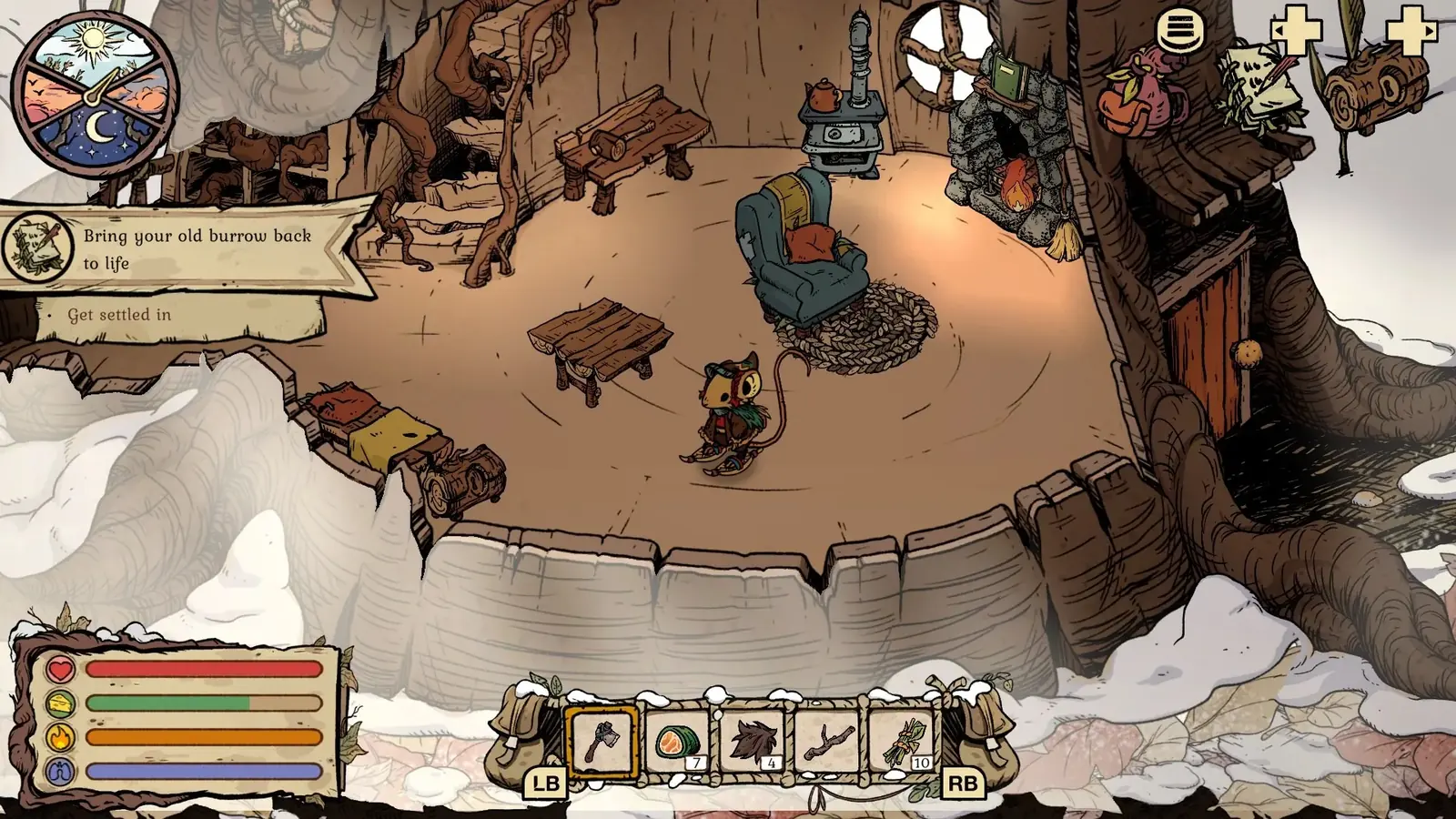
Official Winter Burrow burrow interior with the Sleep until morning choice open
The sleep prompt is a concrete Story Mode stopping point: return home, finish the current conversation or repair, then start the next route after morning.
03

Guide Step

Who Should Pick Challenge Mode

Choose Challenge Mode when you want the harder experience described in the official update. Before switching, choose a familiar destination and check the required tool, warm clothing, food, empty inventory space and a return route. Start with a short trip you understand so you can judge the pressure on your own build. A fresh slot is optional if you want a complete replay; the official switching rule does not require one.

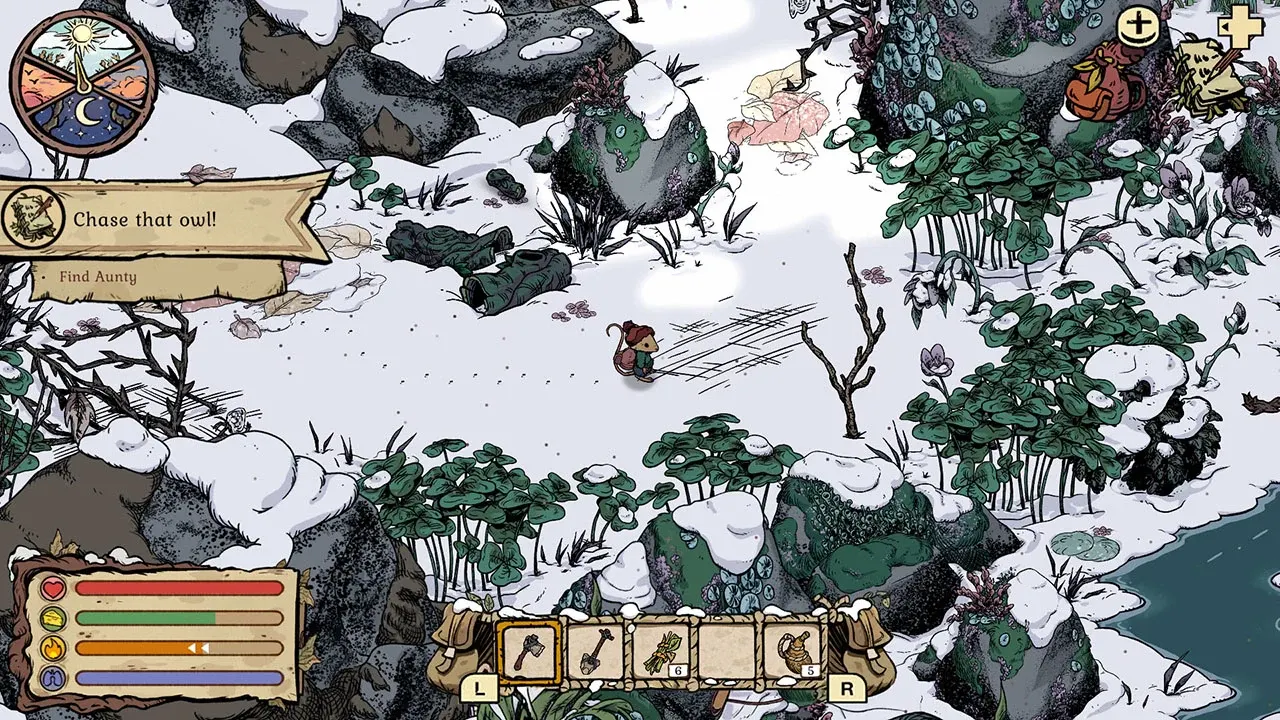
Official Winter Burrow field route with the HUD, objective, inventory, and warmth meters visible
Use a familiar field route with visible HUD pressure when comparing Challenge Mode against Story Mode. Source: Nintendo / Pine Creek Games.
04

Guide Step

Can You Switch Later?

Yes. Pine Creek Games says you can swap the modes while playing. You do not need to start a new save merely to try the other setting. Note the active objective and supplies, change the available mode setting, and confirm which mode is selected before the next trip. The announcement does not specify achievement eligibility differences or exact numerical modifiers. We have not verified a mode-specific achievement restriction and do not treat switching as a guaranteed fix for a quest or input bug.

05

Guide Step

Challenge preparation checklist

Prepare at home before comparing the modes. Pick a destination you already recognize and a return point you can reach without discovering a new path. Use the same equipment and supplies for a fair comparison. If the route stops being enjoyable, return safely and change the mode again.

  • Check the tool tier for the intended rock, vine or dig spot.
  • Pack food and a warmth option before leaving the burrow.
  • Leave room for the actual quest item or resource.
  • Choose a familiar shelter or homeward route before setting out.
  • Keep your completion save if you choose to begin a separate replay.
06

Guide Step

After the story: a practical next-session list

You can choose a small completion goal instead of immediately replaying the whole story. Review unfinished journal requests; check the basement decorations box for the seasonal chain at /articles/winter-burrow-winter-solstice-update; compare completed crafts with /articles/winter-burrow-achievements-guide; or furnish one room using /articles/winter-burrow-furniture-benefits-guide. These are suggested activities, not a promised new chapter or New Game Plus system. For a harder replay, use /articles/winter-burrow-save-slots-guide and an unused slot. For cleanup on your existing run, the official mode-switching rule lets you choose the setting for that session.

07

Guide Step

Use another save slot only when you want a separate run

Tidy Up added three save slots for separate sessions. Keep the completed run if you want to retain its quests, furniture and collectibles, and start a Challenge replay in an unused slot if that is your goal. Creating a slot does not clone or back up the old file. If a mobile seasonal recipe or tunnel prompt is stuck, compare /articles/winter-burrow-update-2026 with your installed version. Changing mode is not a verified fix for those reports.

Supply Tip 1

Use Story Mode for learning or cleanup.

Supply Tip 2

Use Challenge Mode for pressure and replay value.

Supply Tip 3

Swap mode when the problem changes.

Calculator Hooks

Sources & Verification Notes

Return to Articles

Related Articles