Winter Burrow Tidy Up Update Guide - Storage, Backpack, Furniture Benefits, Save Slots, Modes, and Fast Travel
The Tidy Up update changes everyday play through separate storage, +4 base backpack slots, furniture stat bonuses, play modes, extra saves, recycling, key rebinding, and mole-tunnel fast travel.
The Tidy Up update is not just a small comfort patch. It changes the way a save should be managed. The official Steam announcement highlights separate burrow storages, a larger base backpack, furniture that increases maximum stats, more furnishing options, Story Mode and Challenge Mode, three save slots, item recycling, PC key rebinding, and fast travel through secret mole tunnels. Those features answer several things players were already asking for: more room, cleaner inventory, a reason to furnish beyond decoration, fewer long walks home, and a gentler mode for players who came for the story. If you return after launch and the game feels slightly different, start with home management rather than the map. The patch makes the burrow itself more important because chests, furniture, and station checks now affect how cleanly you can route the outside world.
Highest practical impact: separate storage, +4 base backpack slots, furniture stat bonuses, and fast travel.
Best first check on an old save: open each storage item and confirm where your materials live now.
Best first check on a new save: decide whether you want Story Mode comfort or Challenge Mode pressure before doing long routes.
Official update reference: the Tidy Up patch is aimed at day-to-day route friction, not only cosmetic house changes.
02
Guide Step
Separate Storage Changes the Old Hoarding Habit
Before this update, many players treated burrow storage like one large safety net. The update turns each crafted storage object into its own storage space and makes the old infinite burrow storage a limited space. That is good for organization, but it can surprise returning players. The right response is not to panic or dump everything into the first chest. Make clear categories: route tools, rare stone, food pantry, clothing materials, furniture materials, and quest objects. Keep Flint, Granite, axe materials, pickaxe materials, and quest items in the easiest-access storage near the stations you use most. Put furniture material farther away because it is usually a late-game goal. The practical change is simple: an old save now needs a storage audit before the next long route.
Do one storage audit before any long route.Never store quest items in the same place as decoration materials.Keep one emergency food/warmth row close to the exit.
03
Guide Step
The Backpack Buff Is Small, but the Route Impact Is Real
The official note says the base backpack inventory increased by four slots. Four slots sounds modest until you remember what ruins a Winter Burrow run: carrying one tool, one pie, one tea, a quest object, and then finding the exact stone or herb you came for with no space left. Four extra base slots mean fewer short returns during early Flint, pantry, and wood loops. They do not mean you should leave with a messy bag. Use the extra capacity as a safety margin, not an excuse. For Granite or furniture material runs, empty decorative extras, carry one active tool, reserve two supply slots, and keep the rest free. If you still return early, the issue is usually route planning or storage discipline rather than the backpack size itself.
Practical patch check: open Burrow storage, compare stored stacks with inventory, and sort materials before assuming a route item disappeared.
04
Guide Step
Furniture Now Has Gameplay Weight
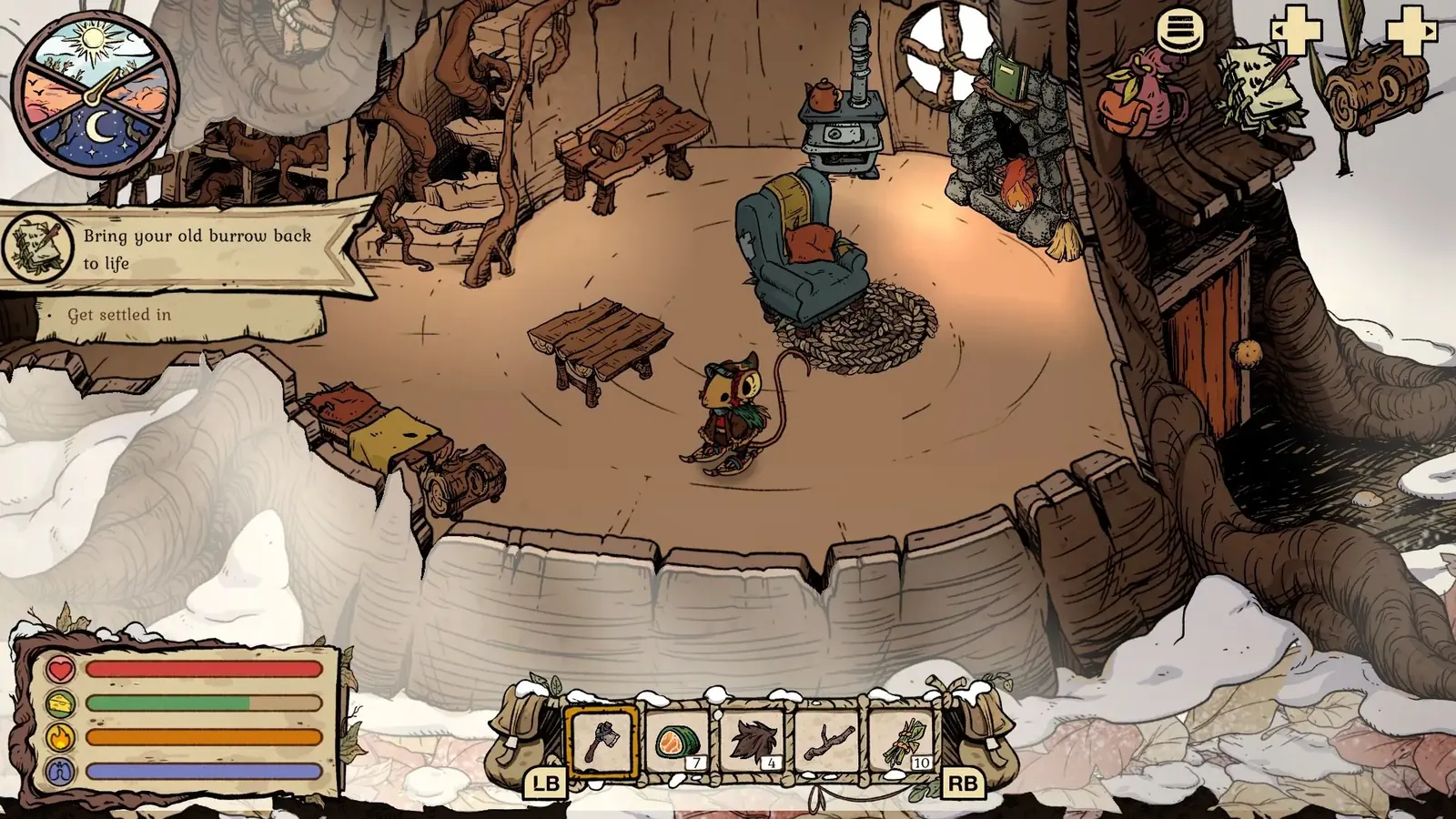
The most important mindset shift is furniture. The update says furnishing your burrow can increase maximum stats, different furniture affects different stats, and better furniture quality creates a higher stat bonus. That makes decorating part of progression. You still should not spend early tool materials on every cozy object you like, but late-game furniture is no longer only an achievement checklist. Treat it like permanent comfort. Once pickaxe, axe, stove, and clothing needs are stable, start upgrading furniture by stat purpose. If a route keeps failing by a narrow margin, furniture may be the quiet answer alongside clothing and food.
05
Guide Step
Story Mode and Challenge Mode: Who Should Switch
Story Mode is for players who want the NPC arcs, home repair, and exploration without as much survival pressure. Challenge Mode is for players who want the cold, hunger, and routing decisions to bite harder. The useful advice is not "one mode is better." Use Story Mode if your current blocker is friction, not puzzle solving: repeated freezing during outdoor dialogue, losing patience with long returns, or wanting to experience Aunty, Bufo, Moss, Willow, and the dinner route without restarting. Use Challenge Mode if you already know the map and want route planning to matter more. Because the announcement says you can swap while playing, this becomes a tool: lower pressure for story cleanup, raise it again for a second run or self-imposed survival play.
06
Guide Step
Fast Travel Through Secret Mole Tunnels
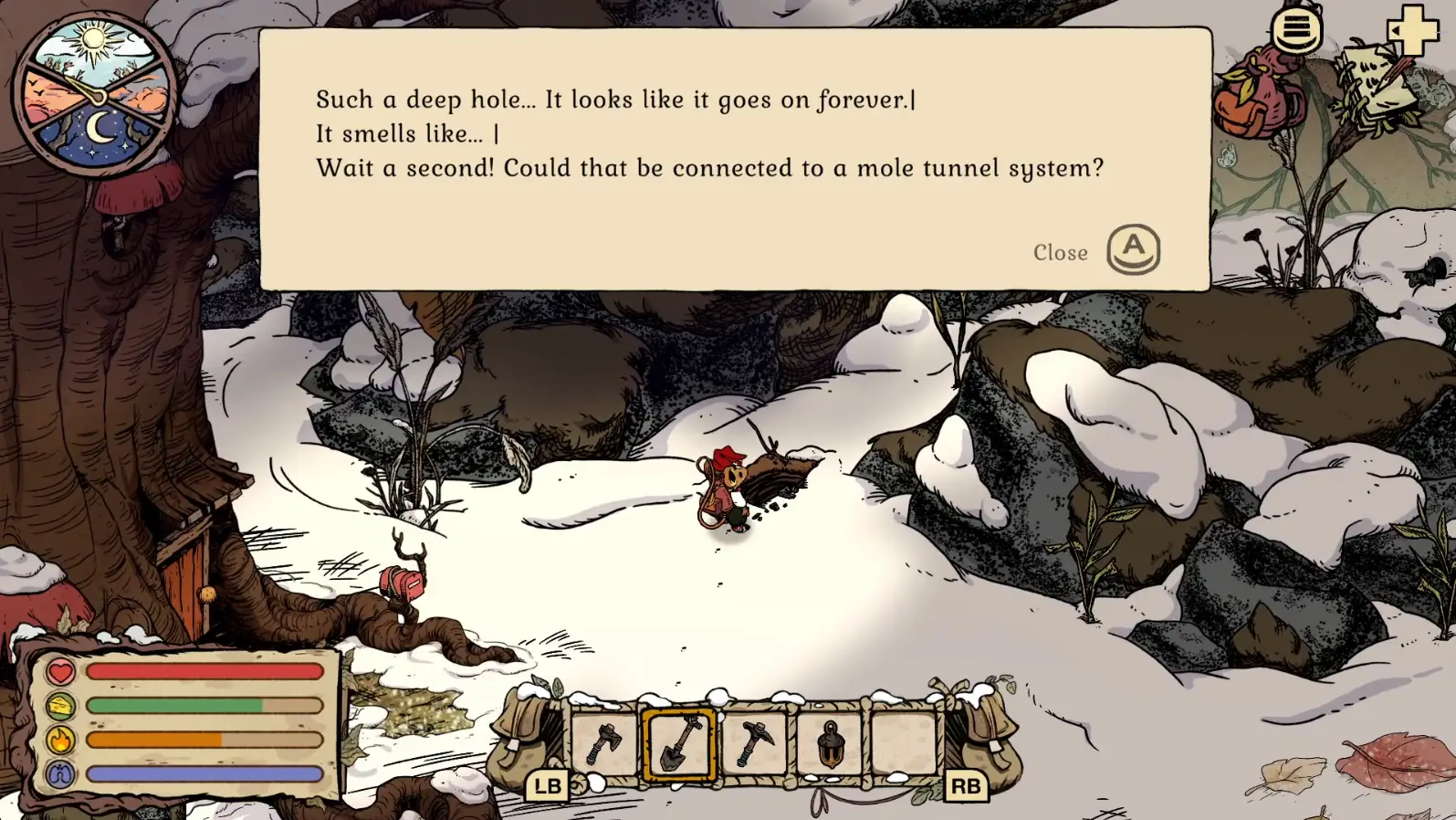
The announcement describes secret mole tunnels as shortcuts to get home quickly. Do not read that as a replacement for route knowledge. Read it as a return tool. You still need to understand which route you are entering, what tool gate blocks it, and whether the NPC state is active. The tunnel becomes valuable after the route goal is complete: return from a resource haul, shorten late quest cleanup, or avoid repeating a cold walk just to deposit materials. If you are stuck on Willow tunnel progression, separate that quest-specific tunnel from the broader fast-travel system. One is a story and unlock check; the other is a quality-of-life shortcut.
Verified Willow tunnel interaction shown for mechanic context. Secret Tidy Up shortcuts are a separate system and may use different landmarks. Gameplay screenshot via Gamer Social Club.
07
Guide Step
Patch Checklist for Returning Saves
On an old save, spend ten minutes auditing before you play normally. Open each storage object and sort high-value materials. Check backpack space with a clean loadout, not a cluttered one. Walk around the burrow and note which furniture pieces now matter for maximum stats. Create or label your three save slots if multiple people use the device. Check whether a difficult route feels better in Story Mode or whether you want Challenge Mode for a fresh file. If you play on PC, rebind keys before a long session instead of halfway through a failed route. Finally, test one known route and one tunnel/return path, then return home and deposit. That audit is boring in the best way: it prevents confusion later.
08
Guide Step
Common Questions After the Update
If an old save feels different, start with storage, backpack space, furniture bonuses, mode settings, and tunnel access. Missing materials may simply be in a different storage object. A smaller-looking backpack may be carrying old clutter that was easy to ignore before the update. Furniture is now worth checking because quality and type can affect maximum stats. Story Mode can reduce survival pressure without forcing a new file, while Challenge Mode keeps the stricter route loop. Secret mole tunnels shorten returns only after their entrances and prerequisites are understood. Work through those checks one at a time before treating the patch as a broken save.
Supply Tip 1
Audit storage before routing.
Supply Tip 2
Use the +4 slots as safety margin, not clutter space.
Supply Tip 3
Treat furniture as stat progression after tool gates are stable.