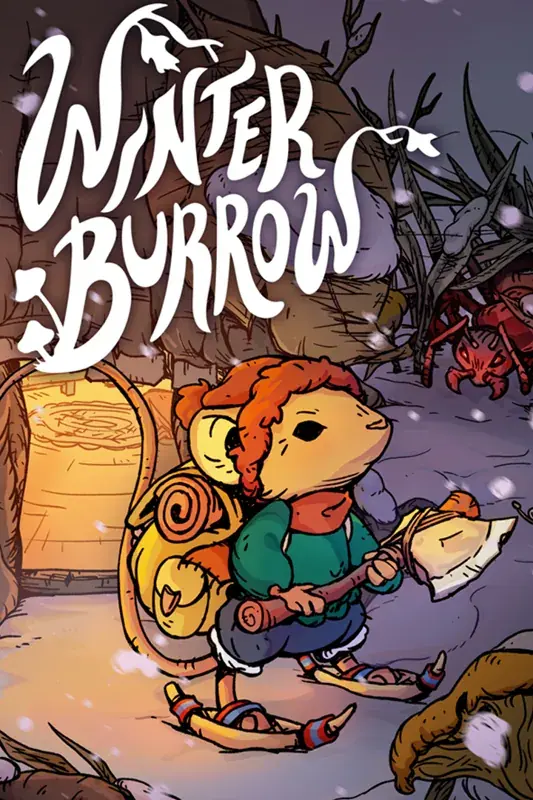
Winter Burrow on Xbox Game Pass - Cloud, Console, PC, and Play Anywhere
The official Xbox listing includes Winter Burrow with Game Pass and lists PC, Xbox One, Xbox Series X|S, Xbox Cloud Gaming, handheld, Smart Delivery, cloud saves, and Play Anywhere support.
As checked on July 15, 2026, the official Xbox listing identifies Winter Burrow as included with Xbox Game Pass. Its structured platform data lists PC, Xbox One, Xbox Series X|S, Xbox Cloud Gaming, and handheld availability, while the capability panel lists Smart Delivery, Xbox cloud saves, achievements, and Xbox Play Anywhere. Microsoft also placed the game in its November 2025 Game Pass Wave 1 announcement. Subscription catalogs, entitlements, and regional offers can change, so the signed-in Xbox Store is the final check for the plan and install button available to your account.
Platform checkpoint: use the official Xbox Store listing for current labels such as Game Pass, Play Anywhere, cloud, and Smart Delivery.
02
Guide Step
Game Pass vs Buying: Which Makes Sense?
If your signed-in Game Pass plan offers the install or stream action, subscription access is the lowest-friction way to test whether the survival pressure suits you. Buying is the clearer choice when you want access that is not tied to a rotating catalog or an active subscription. Do not use a price copied into an article as the decision point: Xbox pricing and promotions vary by market, account, and date, and the public page can emphasize an entitlement instead of a stable purchase price. Open the official listing while signed in, compare the current purchase offer with your plan, then decide. If you also use Steam or Switch, compare verified platform features and screen comfort rather than assuming one version is universally best.
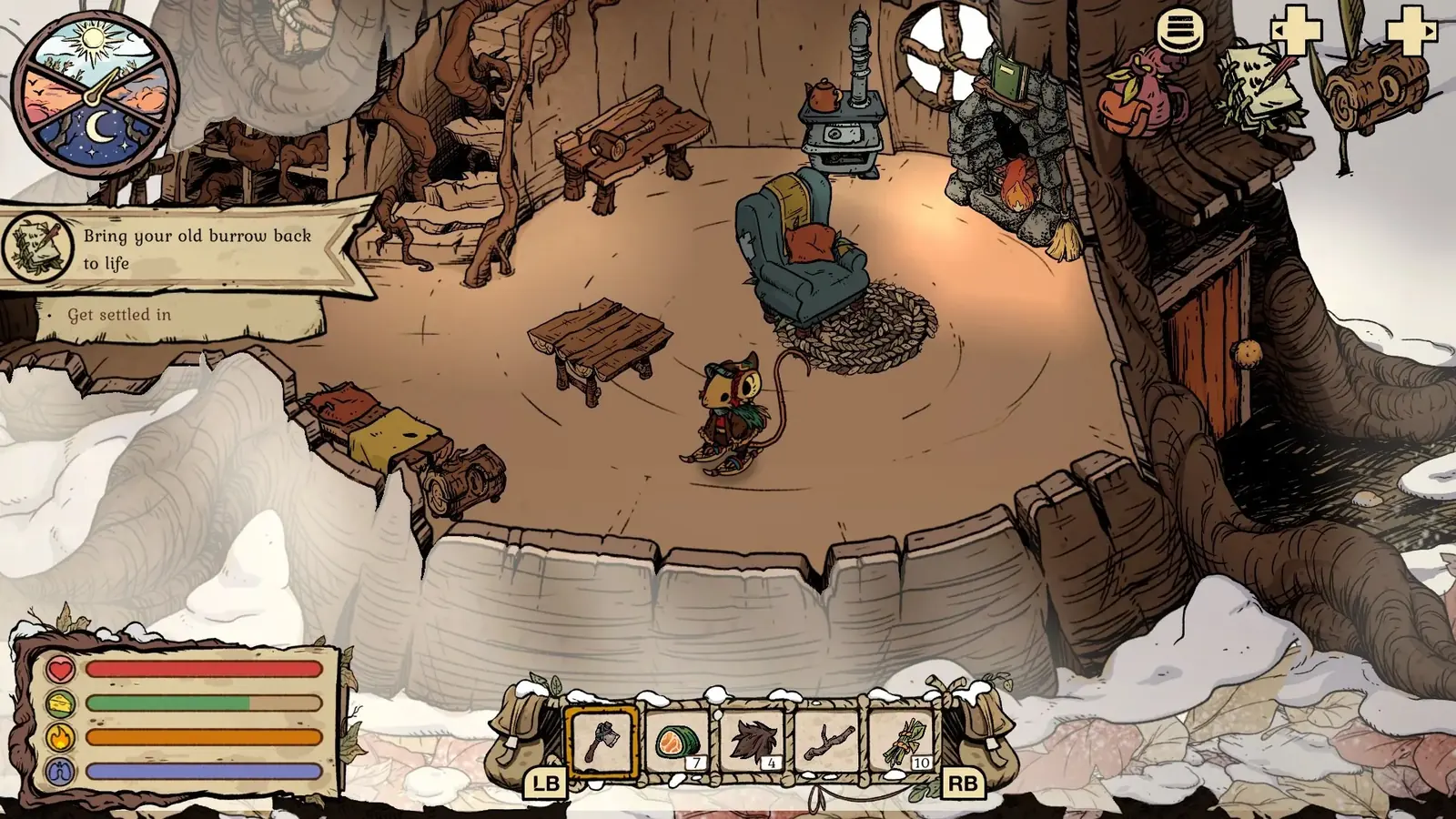
The official home screenshot shows the burrow and its sleep prompt, a clear stopping point for a short console or cloud session.
03
Guide Step
What Xbox Play Anywhere Means Here
Xbox Play Anywhere is the label players should notice if they want to move between Xbox console and Windows PC in the Microsoft ecosystem. It is not the same thing as cloud gaming, and it is not a promise that every non-Xbox platform shares a save. For Winter Burrow, the Xbox Store page showing Play Anywhere means the Xbox and Microsoft PC purchase/subscription path is the one to inspect if you care about cross-device continuity. Practically, that matters because Winter Burrow has long, quiet sessions: you may gather resources on a couch, continue a shorter route on a handheld PC, then clean up furniture at a desk. The more your save follows you, the less likely you are to abandon mid-game cleanup.
04
Guide Step
Cloud Play and Handheld Use
Cloud play changes how Winter Burrow fits into a day. A short resource loop, recipe cleanup, furniture checklist, or NPC hand-in can work well through cloud if your connection is stable. Precision combat is not the main appeal here, so the game is more forgiving than twitch-heavy titles. Still, cold timers, route navigation, and inventory work benefit from readable text and low input delay. If playing through cloud, avoid first-time routes in storms. Use cloud for known loops: home crafting, pantry cooking, furniture set checks, short Aunty/Bufo returns, and easy resource sweeps. Save the first Pollywog, Pinesap, or Willow thicket route for local play if the stream feels soft.
Cloud caution: known loops are fine, but first-time routes with cold timers and landmarks are better on a stable local session.
05
Guide Step
Best Settings and Comfort Habits
Xbox and handheld players should treat comfort as part of survival. Increase display brightness in dark rooms, use headphones or clear TV audio for route ambience, and avoid long outdoor dialogue when you are distracted. Winter Burrow is gentle, but timers still move. Before suspending a session, return home or stand near a safe heat source when possible. If you are playing on a handheld PC through the Xbox app, keep the planner or item guide open on your phone instead of tabbing out of the game. For cloud sessions, end after a successful deposit, not halfway through a confusing route. That habit prevents the next session from starting with "where was I?"
06
Guide Step
Who Should Try It on Game Pass First
Try Game Pass first if you are unsure about the survival pressure. Winter Burrow is cozy, but it is not purely decorative. You gather resources, craft tools, knit clothing, bake pies, manage warmth, and navigate without a simple minimap. Some cozy players love that friction; others expect a lighter life sim. Game Pass lowers the risk of finding out. It is also a good fit if you care about achievements but do not know whether you want a full 100 percent run yet. Play the first few hours, repair core stations, meet Aunty and Bufo, then decide. If the loop clicks, the game has enough route and collection depth to justify a purchase or a complete subscription playthrough.
07
Guide Step
What to Open After Installation
Once the game is installed, use the item guide when a recipe is missing, the map guide when a route is unclear, the progression guide when a gate will not react, and the achievements guide for completion checks. Game Pass answers how you access Winter Burrow; those focused pages answer what to do inside the game without turning a platform decision into a second walkthrough.
Supply Tip 1
Use Game Pass first if you are unsure about survival friction.
Supply Tip 2
Use cloud for known short loops, not first-time storm routes.