Winter Burrow Save Slots Guide - How 3 Save Files Help Old and New Runs
Three save slots are useful when more than one person plays, when you want one relaxed run and one harder run, or when you want to protect an old file during a patch.
Three save slots are not flashy, but they solve real problems. They let you keep different play styles separate, preserve a pre-patch file, or let another person on the same machine try the game without overwriting yours. The value is not just convenience; it is protection against accidental loss and a cleaner way to compare Story Mode and Challenge Mode. It also lets you keep a fresh seasonal run separate from a story-clear file, which matters when an update changes storage, furniture, recipes, or achievement checks.
Three save slots give you room for separate goals instead of one messy catch-all file.
02
Guide Step
How to Organize the Slots
A simple layout works best. Use one slot for your main story or completion run. Use one slot for a harder or experimental run. Use one slot as a backup, seasonal run, or second-player file. That is enough structure for most players. Name the purpose in your own notes if the game does not make the difference obvious at a glance: "main", "challenge", and "test" is enough. The point is to avoid turning all goals into one messy file.
Before creating a new slot, open Burrow storage and record which materials and quest objects the existing file already holds.
03
Guide Step
Protect Old Progress During Updates
If you return after a patch, keep the old file intact until you have checked the new update behavior. That means no overwriting just to "see what happens". If the old run already has rare items, furniture, or story state, preserve it and start a fresh slot for experimenting with the patch. This is especially useful when you are worried about storage changes, achievement bugs, seasonal recipes, or furniture cleanup.
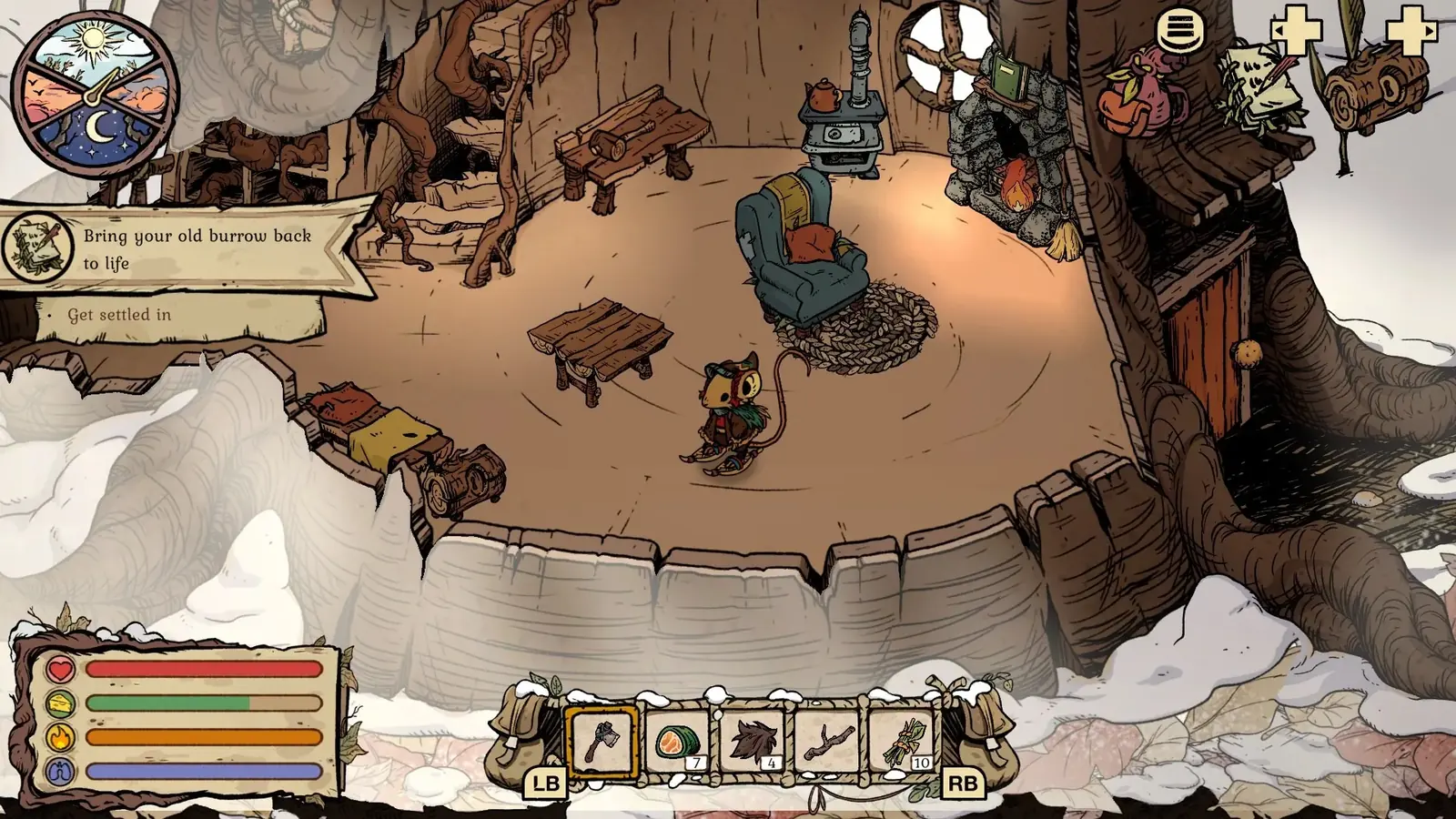
Deposit the route haul in Burrow storage before ending a valuable save or opening another slot. Official Steam screenshot/Pine Creek Games.
04
Guide Step
Use Cases the Reader Actually Cares About
Create a new file when the goal changes. Use a fresh slot for a relaxed story run if your old file is messy. Use another slot for Challenge Mode if you want pressure without risking completion progress. Use a spare slot before testing a big update, recycling a room of furniture, or replaying an achievement trigger that might not unlock. For a second player, give them their own slot rather than asking them to avoid the wrong menu option. The slot has done its job if you can look at it and know exactly what that run is for.
05
Guide Step
A Three-Slot Layout That Stays Understandable
Use the first slot as the file you would be most upset to lose: the furthest story progress, completed NPC chains, rare tools, furniture sets, and seasonal items. Use the second slot for a deliberately different play style, such as Story Mode cleanup or a Challenge Mode replay. Use the third slot for change: a second player, a fresh seasonal run, or a controlled test after an update. Before opening a file, identify it by its visible progress rather than trusting memory. Check the current objective, the condition of the burrow, the tool tiers in inventory, and one or two unmistakable NPC milestones. If two files look similar, take a screenshot of the slot screen and the active journal before making changes. The game gives three places to save; your job is to make each place answer one question. Which file continues the main story? Which file is safe to experiment with? Which file belongs to another run or person?
Main slot: longest story, rare items, completion work.
Mode slot: Story or Challenge run with a clearly different goal.
Test slot: update checks, seasonal replay, or second player.
Before changing a slot: verify objective, tools, burrow state, and NPC progress.
06
Guide Step
Before You Replace or Abandon a File
Open the file one last time and perform a short audit. Return to the burrow so the inventory, storage, stations, and furniture can be checked in one place. Deposit route materials, then inspect whether Flint, Granite, yarn, quest objects, seasonal items, or unfinished furniture sets are unique to that run. Read the active objective and speak to the relevant NPC if a hand-in may be pending. Check whether the file was your only Story Mode or Challenge Mode example. If the reason for replacing it is a stuck achievement, preserve it until the requirement has been verified; replaying hours of story is a poor first troubleshooting step. If the reason is an update test, keep the old file untouched and use the spare slot first. A save slot protects progress only when you know what progress it contains. The five-minute home audit is cheaper than discovering later that the replaced file held the only completed seasonal set or late Willow, Moss, or Bufo state.
07
Guide Step
What Not to Use Save Slots For
Do not use save slots as an excuse to ignore storage, route planning, or achievement tracking. A backup file helps, but it will not fix a route where you left without tea, filled your bag before reaching Granite, or forgot which furniture set is incomplete. Use save slots to protect progress, then use the Story Mode guide, storage guide, and achievements guide to make each file cleaner.
Supply Tip 1
Use one slot per goal.
Supply Tip 2
Keep old progress untouched until you test the update.