Survival

Winter Burrow Interactive Map – Current Options and Route Checks

No public interactive map currently replaces verified route guides. Use the in-game map for orientation, static maps for labels, and task-specific checks for blockers.

9 min read
Published · Updated
mapinteractive maproutes
01

Guide Step

Honest answer first

There is not yet a fully verified public interactive map that replaces route guides for Winter Burrow. The game now has an in-game map for broad orientation, and several community sites publish static world references. The missing piece is prerequisite data. A Pollywog pin is not useful until the Granite Pickaxe is crafted. A Willow tunnel pin is incomplete without the Notebook and Flint Shovel state. A Heavy Key pin sends you to the wrong task unless Moss has activated A missing key. Use maps to choose the region, then use the HUD, tool name, landmark screenshot and completion check to decide whether the target is reachable now.

  • Use the in-game map for direction and broad region checks.
  • Use community maps for labels, rough route shape, and named areas.
  • Use route pages for prerequisites: tool, NPC, key, dialogue, and weather state.
  • Treat any "interactive map" claim carefully unless it shows verified pins, screenshots, and prerequisites.
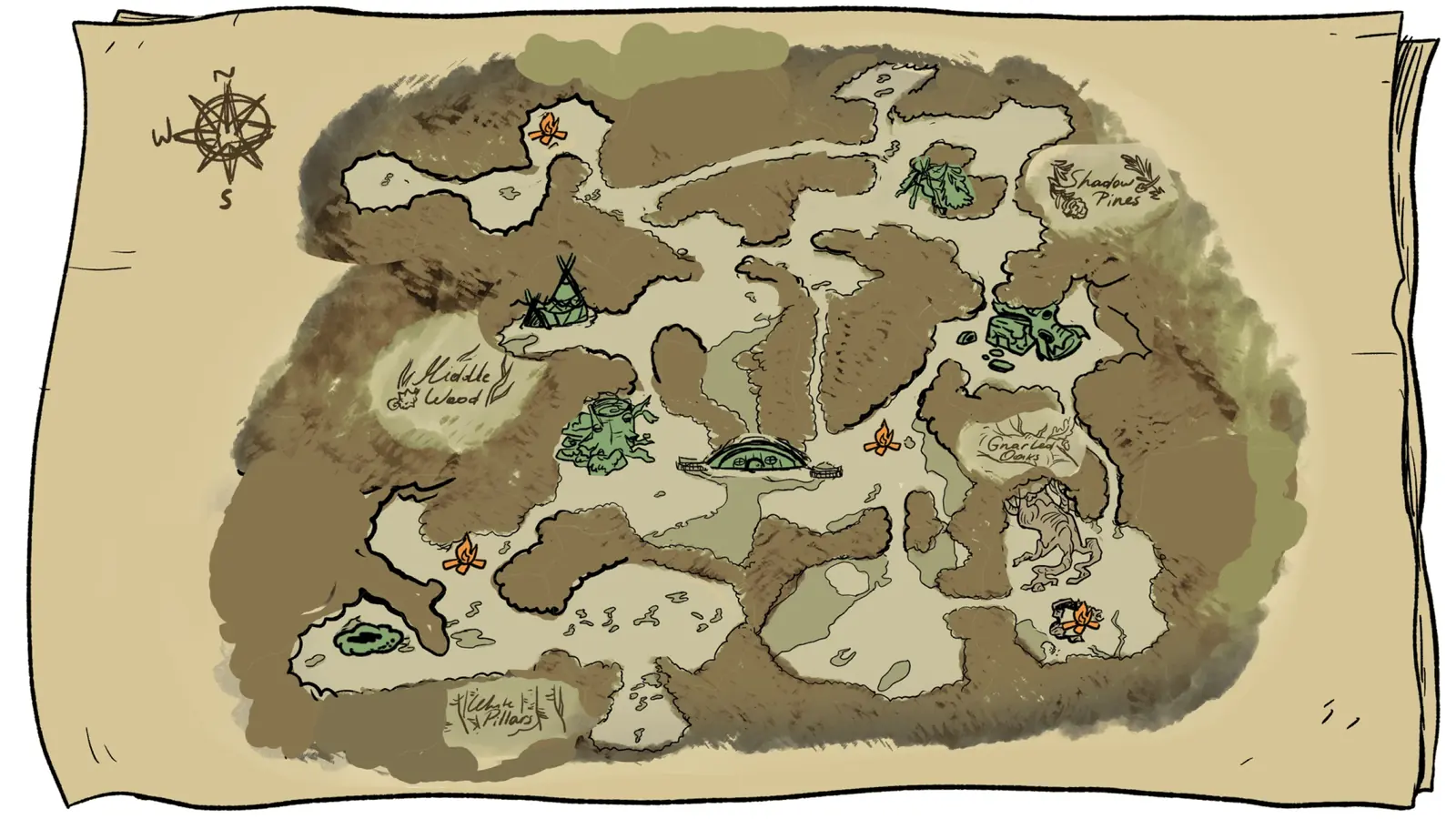
Wide Winter Burrow community map used as current static map alternative.
A wide community map is useful, but Winter Burrow also needs route filters for tool and quest state.
02

Guide Step

Compare the current public options

winterburrow.site collects several static community maps and clearly notes that they can be partial or imperfect. That makes it useful for a quick world overview. winterburrowgame.com provides a wiki and developing map section, but the public page does not yet function as a complete, verified pin tool with route prerequisites. Reddit community maps can add useful player-made path labels, especially for difficult branches, but they are unofficial, may distort distance, and can age after patches. Treat every external map as a cross-check. The in-game map should decide broad direction, while a current gameplay screenshot should confirm the final screen.

  • winterburrow.site: best static image collection and broad map landing page.
  • winterburrowgame.com: useful wiki reference, but not yet a complete verified pin tool.
  • Reddit community maps: helpful labels and player-made path logic, but need cross-checking.
  • WinterBurrow.org route pages: useful when a visible pin is blocked by a tool or quest state.
03

Guide Step

How to judge whether a map pin is useful

Before following a pin, check whether it answers four questions. Where does the route start? What landmark proves you reached the correct screen? Which tool or quest state opens the last blocker? What confirms the task is complete? A coordinate without those answers can still waste a full trip. For resources, the pin must also distinguish a loose pickup from a tool-gated node. For NPC quests, it must name the active HUD objective. For tunnels, it must say whether the entrance is a quest dig site or an unlocked shortcut. If a public map omits these details, use it only to find the region and switch to a route guide for the last screens.

  • Every pin should include: route start, visible landmark, prerequisite, screenshot, and return advice.
  • Quest pins should include NPC state, not only coordinates.
  • Resource pins should distinguish early loose pickups from later tool-gated nodes.
  • Map filters should avoid spoilers by default, then allow late-game toggles when the player chooses them.
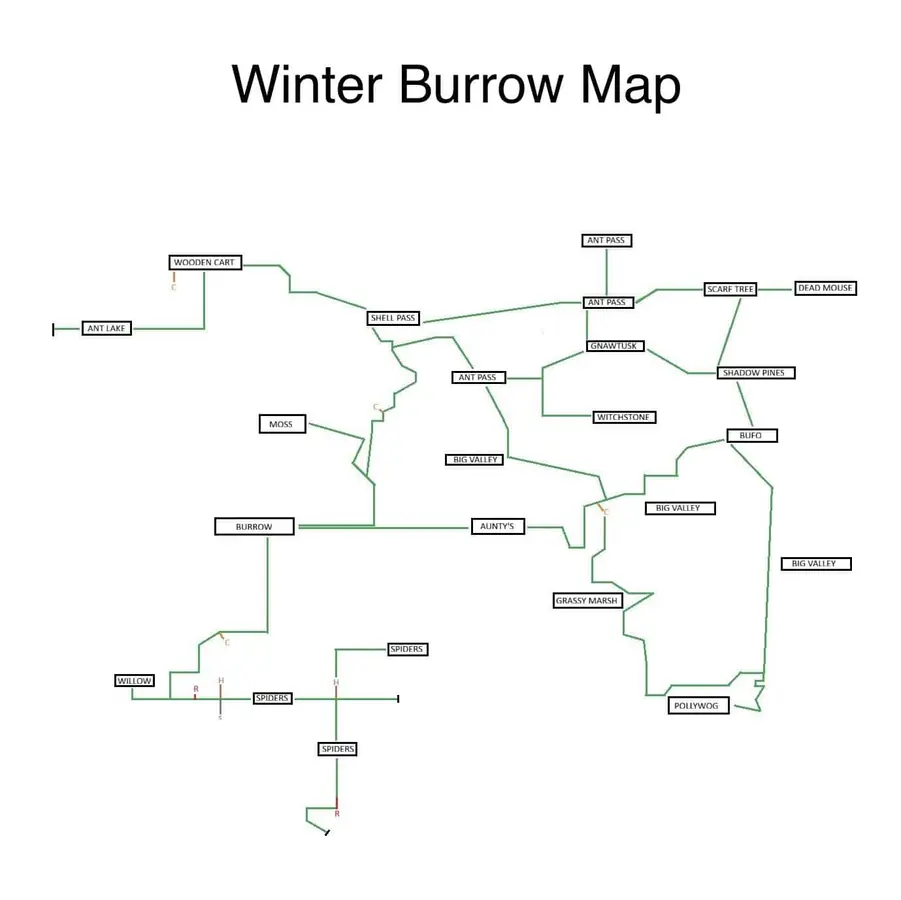
Winter Burrow anchor map with named locations used to plan interactive route filters.
The current anchor map already supports named regions. A better interactive layer should add filters and route requirements.
04

Guide Step

Best current workaround

Until a complete interactive map exists, use a three-layer workflow. First, open the in-game map to confirm the broad direction. Second, compare a community map image to identify the nearest named region. Third, open the route article for the specific blocker. This is slower than clicking a pin, but it is more reliable because it includes quest state. For example, "Heavy Key" needs Moss/Pinesap context and a vine gate. "Willow tunnel" needs notebook, Flint Shovel, and a home-side dig check. "Pollywog" needs Bufo progress and the Granite Pickaxe. A static pin without those notes creates more confusion than it solves.

05

Guide Step

Use a route-state checklist when a pin is missing

When the map has no useful pin, write a four-part route note before leaving: target, current tool, active NPC objective, and starting landmark. “Heavy Key + Granite Axe + A missing key + Moss tent” is enough to choose the skull route. “Pinesap + Flint Pickaxe + Find out what happened to Pinesap + Fine Woollen Hood clearing” identifies the final boulder passage. “Willow tunnel + Flint Shovel + tunnel objective + home-side dig spot” prevents a wasted trip back to Willow. Keep the note until the pickup or dialogue updates, then use the same landmarks in reverse for the return.

  • Target: the exact NPC, item, tunnel, or resource named on the HUD.
  • Tool: verify the crafted item name, not only a recipe or similar icon.
  • Start: use an NPC home, campfire, skull, caravan, shoreline, or other visible anchor.
  • Finish: look for a counter change, pickup prompt, dialogue update, or unlocked passage.
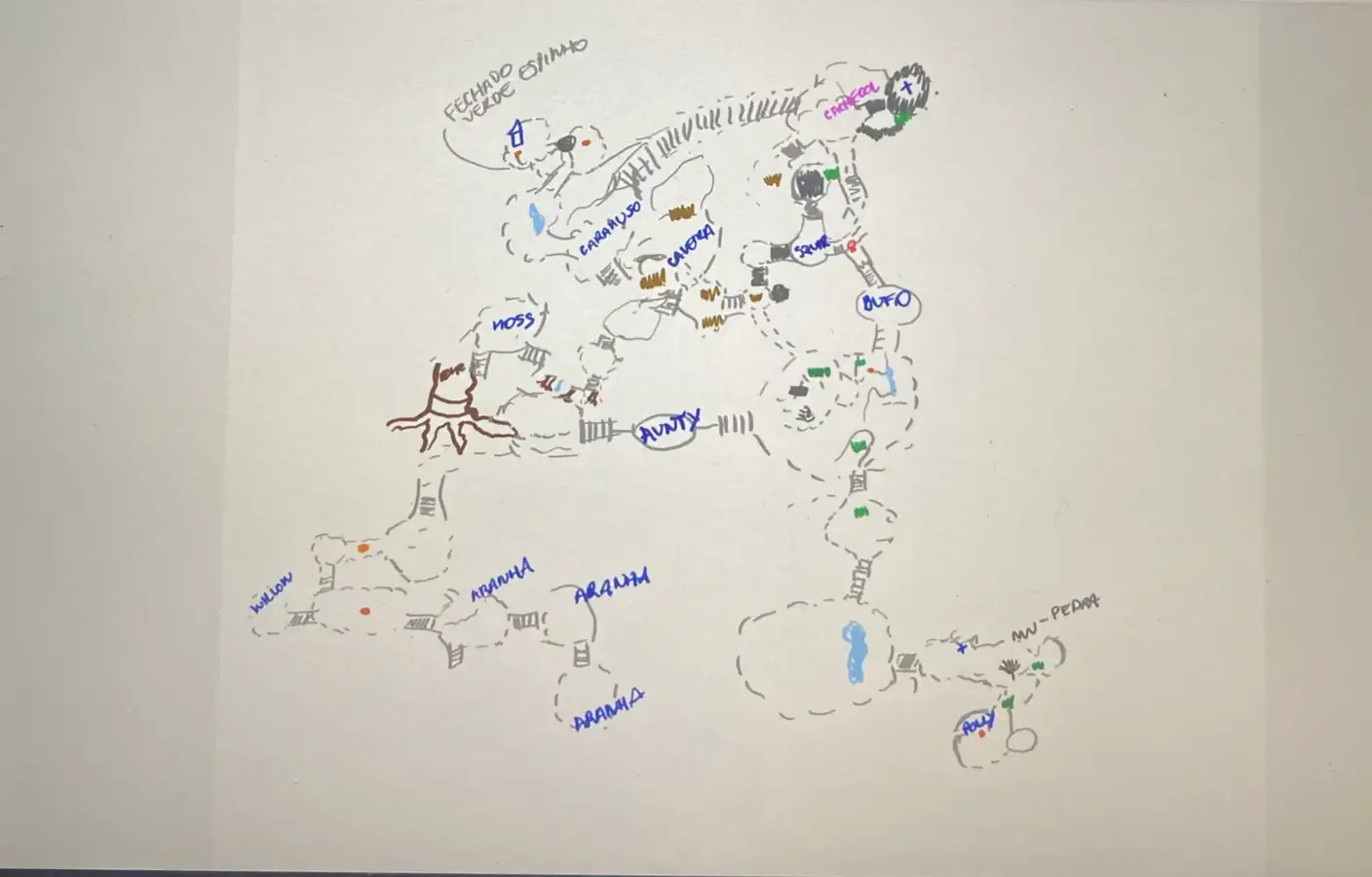
Secondary Winter Burrow map reference for route comparison and missing interactive pins.
Secondary map references are useful for comparison, but the missing layer is verified route state and screenshots.
06

Guide Step

FAQ

Short answers about the current interactive-map situation.

  • Is there a real interactive map? Not a fully verified public one that replaces route guides.
  • What is the best map right now? In-game map for orientation, community maps for labels, and route guides for blockers.
  • Why not just use a community map image? Because Winter Burrow gates routes with tools, keys, dialogue, and quest state.
  • What details should I require from a pin? Route start, landmark, prerequisite, gameplay screenshot, and completion check.
  • What should I do when a pin is blocked? Read the HUD, verify the tool name, and open the matching route card below.

Supply Tip 1

Use map images for labels; use route pages for whether you can reach the target now.

Supply Tip 2

Record target, tool, NPC state, and starting landmark before a long run.

Supply Tip 3

Do not trust any map pin without a real screenshot and prerequisite note.

Calculator Hooks

Sources & Verification Notes

Return to Articles

Related Articles