Winter Burrow Fast Travel and Mole Tunnels Guide - Shortcuts, Willow Tunnel Checks, and Map Routing
Secret mole tunnels are now part of the route plan. This guide explains fast travel use cases, Willow tunnel checks, known bug context, and the map pages to pair with each route.
Fast Travel Is a Return Tool, Not a Map Replacement
The Tidy Up announcement says fast travel now uses secret mole tunnels as shortcuts to get home quickly. That sentence is easy to overread. It does not mean every route becomes obvious, and it does not replace the map guide. Winter Burrow still asks you to understand NPC state, tool gates, cold risk, and landmarks. Fast travel helps after you have done the work: returning from a material run, cutting down repeated walking, or saving a trip after a quest hand-in. Treat tunnels as route compression. Scout the route normally, finish the goal, then use the shortcut to protect the haul and reduce dead time.
Quest-state check: Willow and notebook progression can look like a map problem, but the next step often depends on dialogue or a home-side prompt.
02
Guide Step
Separate Secret Mole Tunnels from the Willow Tunnel Quest
Winter Burrow uses tunnels for two different systems. Secret fast-travel tunnels from the update shorten the return home after discovery. Willow's notebook, Flint Shovel, dig spot, and home-side tunnel belong to a quest chain. Do not mix the two. If the goal is a faster return after a completed route, inspect the shortcut system. If the blocker is a notebook, shovel, dig point, or missing inspection prompt, return to Willow's quest state.
03
Guide Step
When to Use Fast Travel
Use fast travel after a successful haul, not at the start of a route you do not understand. The strongest cases are Granite returns, pantry loops that end far from home, late furniture-material farming, and quest cleanup where the only remaining value is safe deposit. Use it when your bag is full, warmth is no longer comfortable, or the route goal is complete. Do not use it to skip learning the entry route the first time; you still need to know how to return if a shortcut is unavailable, inactive, or not yet discovered. Good route planning has an entry path, a target, a return trigger, and a fallback. Mole tunnels mostly improve the return trigger.
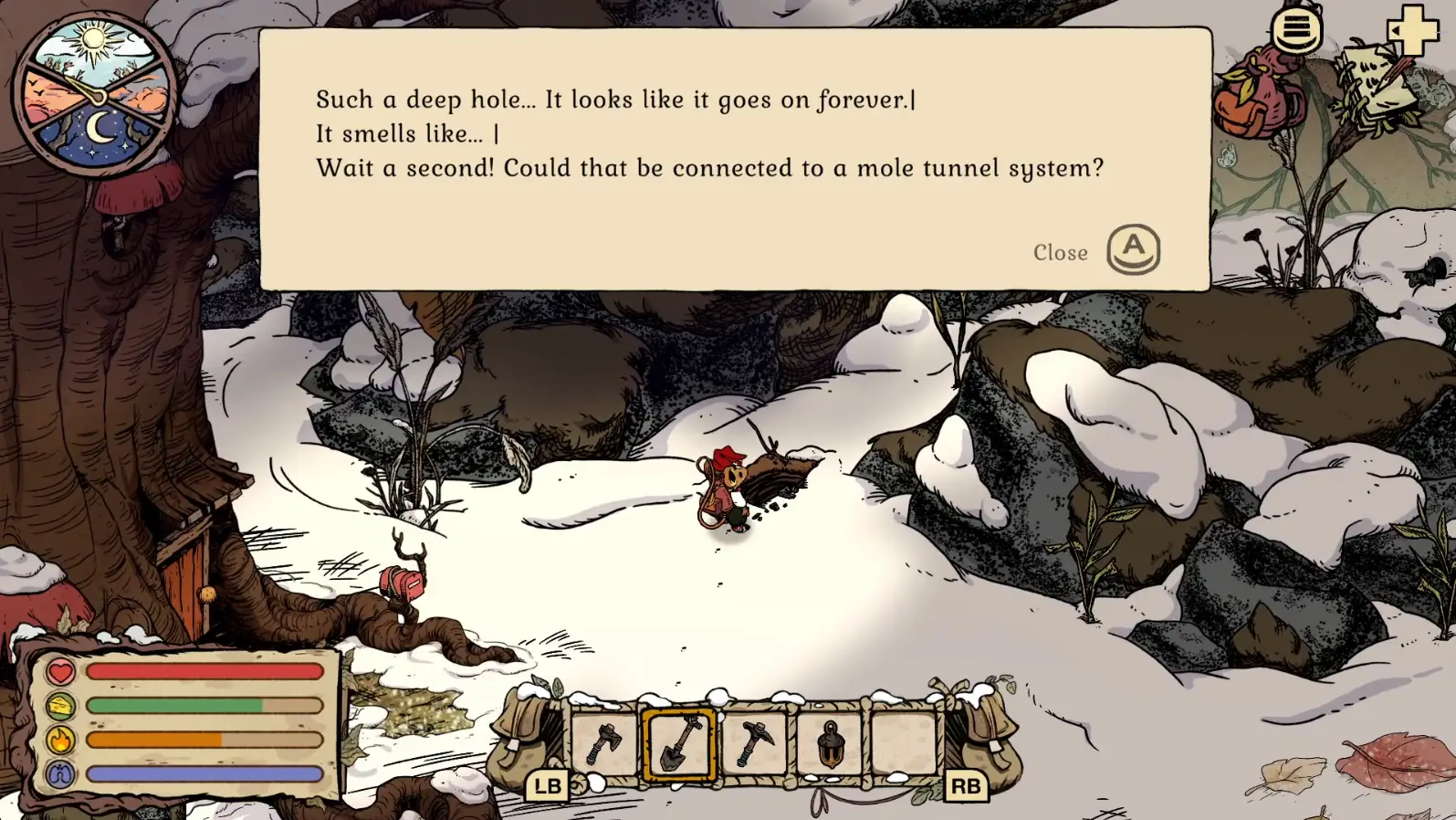
This is the verified Willow quest tunnel, not a secret Tidy Up entrance. It shows the interaction state a usable tunnel needs; secret shortcut landmarks may differ. Gameplay screenshot via Gamer Social Club.
04
Guide Step
Best Routes to Pair with Tunnels
Pair tunnels with routes that have a clear completion moment. Granite is one: once you confirm the correct boulder and fill the bag, a shortcut home reduces the cold return. Heavy Key is another: once the pickup beside the skull is complete, the next useful action is the Moss hand-in. Willow and Mole Artifact cleanup benefits when a finished quest item needs to get home safely. Furniture material loops benefit after storage is sorted, because you can deposit into the correct category quickly. Do not use a tunnel in the middle of a half-understood Pinesap chain. Finish the Heavy Key, Fine Woollen Hood hand-in, final Flint boulders, and Moss conversation in their intended order.
05
Guide Step
Known Tunnel Bug Context
The Steam FAQ notes a known case where an excavated tunnel can become inactive if it is not inspected immediately after digging. After opening a tunnel, inspect it right away and test the connection before leaving for an unrelated task. If it works, use the route normally. If it does not, write down the current quest line and game version before assuming the save is lost. Many apparent tunnel bugs are still prerequisite problems: Willow dialogue is incomplete, the Notebook hand-in is missing, the Flint Shovel is only a recipe rather than a crafted tool, or the player is checking the wrong side of the home route.
06
Guide Step
How to Read the Map with Fast Travel in Mind
A normal map asks "where is the thing?" A fast-travel-aware map asks four better questions: where do I enter, what unlock do I need, where is the goal, and where can I safely return? A static image can answer location, but it cannot answer readiness by itself. The strongest Winter Burrow map setup uses route filters for target, NPC state, tool state, spoiler level, and return method. Until a fully verified interactive map exists, the best setup is a map hub plus dedicated route pages. Use the map guide for orientation, the interactive-map comparison for what is missing, and route guides for Heavy Key, Shovel/Tunnel, Pollywog, Pinesap, Granite, and Pickaxe.
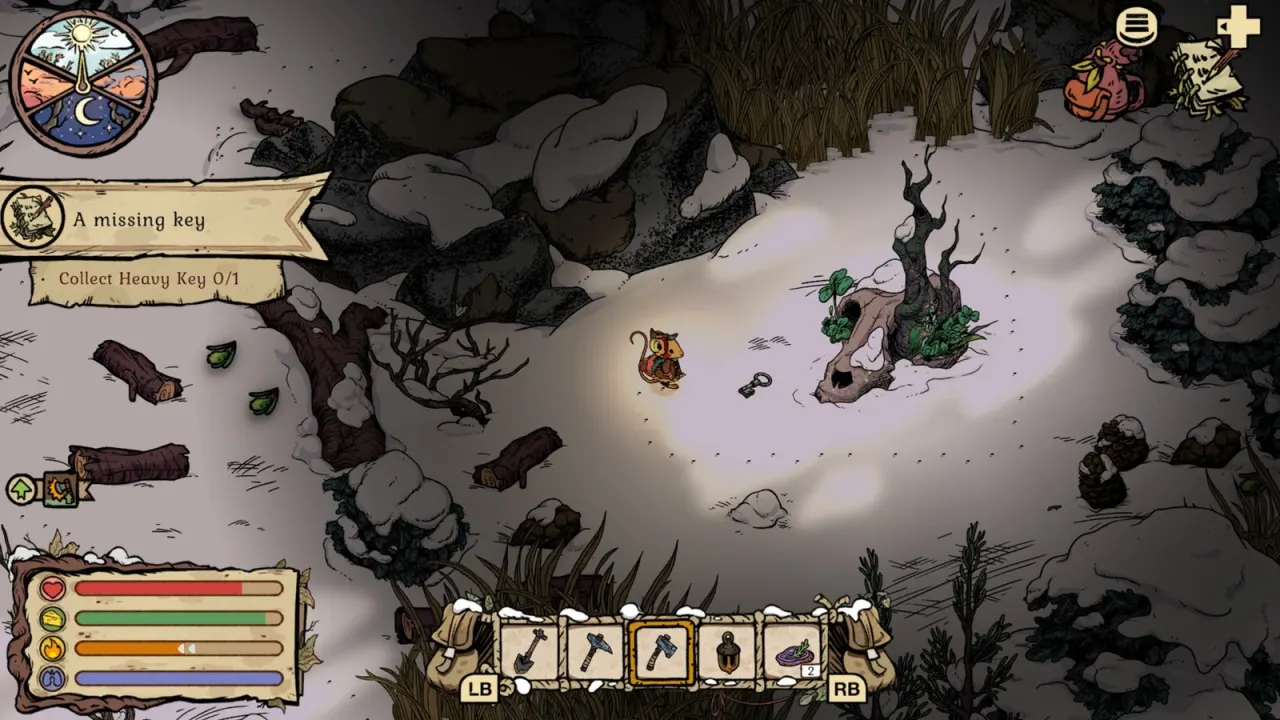
A clear completion moment: once the Heavy Key is collected beside the skull, a tested shortcut can reduce the return to Moss. Image credit: Eurogamer/Pine Creek Games.
07
Guide Step
Fast Travel Checklist
Before relying on a tunnel, answer five checks. One: have you reached the tunnel through normal progression at least once? Two: do you know whether this is a general shortcut or a Willow quest tunnel? Three: are you carrying a completed objective or only hoping the shortcut reveals the objective? Four: do you have enough warmth to return normally if the tunnel is inactive? Five: did you inspect the tunnel immediately after opening or digging it? If the answer to any of these is no, treat the tunnel as unverified and keep the route conservative. Winter Burrow rewards calm confirmation more than clever shortcuts.
Use tunnels after target completion, not as the first navigation plan.
Keep one normal return route in mind until the shortcut is tested.
For Willow, finish notebook and shovel checks before blaming the map.
08
Guide Step
If the tunnel still does not match the guide
First decide whether you are looking at a Willow quest tunnel or a secret mole shortcut. A Willow objective should be checked against Notebook dialogue, Flint Shovel state, the home-side dig point, and the immediate inspection step. A secret mole tunnel should be checked against the updated map, whether that entrance has already been discovered, and whether the connection works from both sides. If the entrance exists but no prompt appears, leave the area, confirm the active objective, and return once; do not keep digging unrelated ground. If the prompt appeared and then became inactive, use the Shovel & Tunnel guide below for the known-issue checklist. Keep a normal walking route available until the shortcut has been tested successfully.
Supply Tip 1
Scout normally, shortcut home after completion.
Supply Tip 2
Separate fast-travel tunnels from Willow quest tunnels.