Winter Burrow Achievements Not Unlocking Fix - Axe Master, Demo Saves, and Bug Checks
If an achievement does not unlock, this page walks through tool tiers, patch state, demo save paths, and the order to check before assuming the game is broken.
First Check: Is It a Real Bug or a Missing Requirement?
When an achievement does not unlock, do not delete the save, reinstall the game, or restart the run first. Start by proving the requirement. Winter Burrow achievements can look stuck when the last step was only previewed in a menu, completed on a different save, counted on a different tool tier, or started before a patch changed the state. If the achievement is tied to a tool, recipe, furniture set, or quest object, go back to the exact workstation or NPC and confirm the finished item or completed dialogue. The goal is to separate a real bug from one missing checkbox.
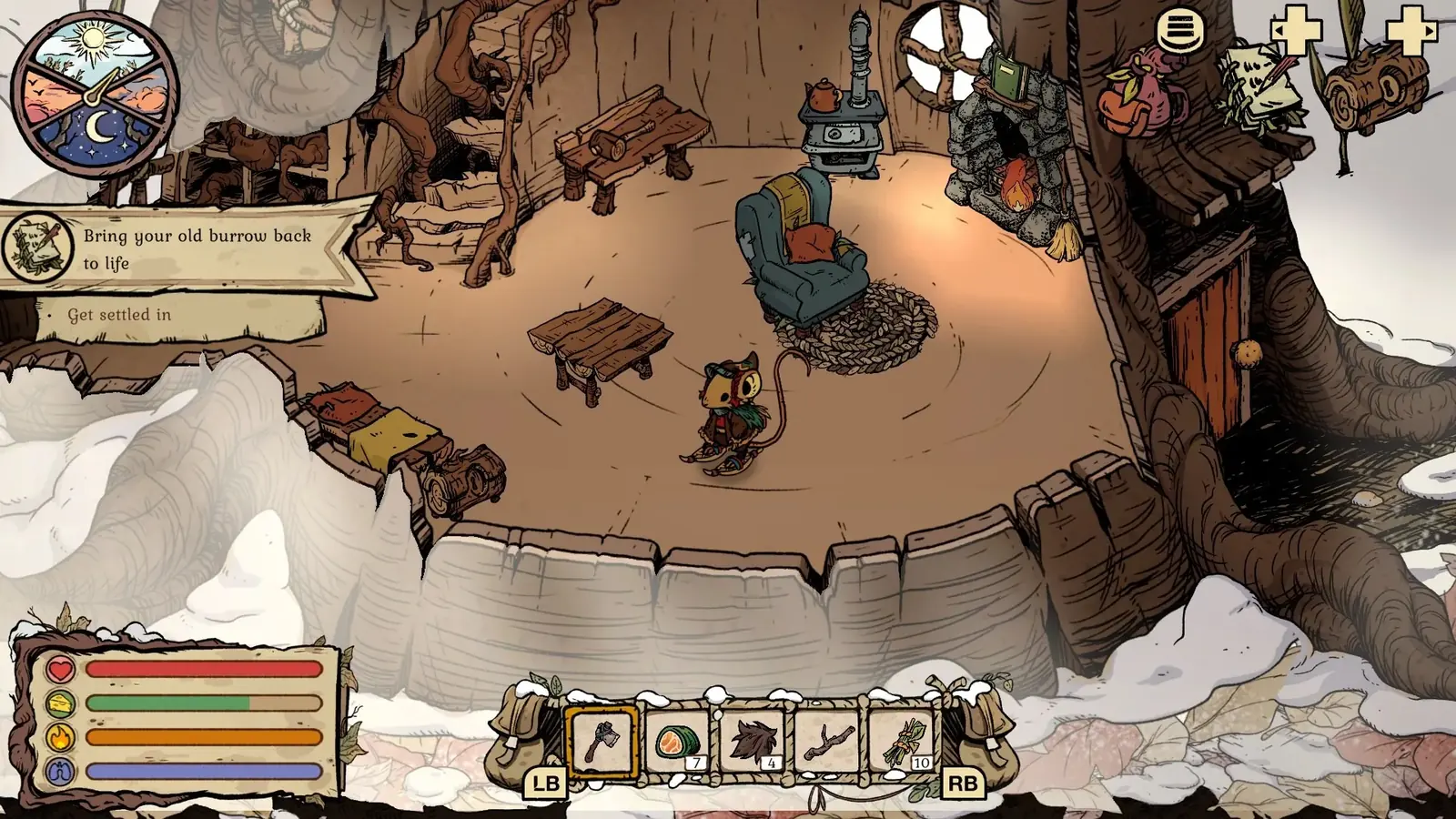
This confirms the Granite Pickaxe recipe unlock, not a finished tool or achievement. Craft and inventory checks still need to follow.
02
Guide Step
Axe Master and Other Tool Achievements
The most common complaint is usually the tool route: Axe Master, pickaxe tiers, or another craft-all style achievement. Verify every tier on the current build and do not rely on memory. If one tier was given as part of progression and another was crafted manually, that can matter. Write down the exact tiers you have seen, confirm the tool list in the current patch, and check whether a hidden tier or upgraded craft exists. Use the dedicated achievement guide when you want the full checklist; stay here when the question is narrower: why did this specific unlock not pop?
03
Guide Step
Demo Saves and Transfer Confusion
If you played the demo before the full game, check which save the achievement progress belongs to. Demo progress and full-release progress are easy to mix up in memory, especially if you replayed the same early route more than once. Open the full game save you are currently using, confirm the item or quest exists there, and only then judge the achievement state. If the achievement was earned in the demo or on another profile, the full game may not be missing anything; it is simply looking at a different run.
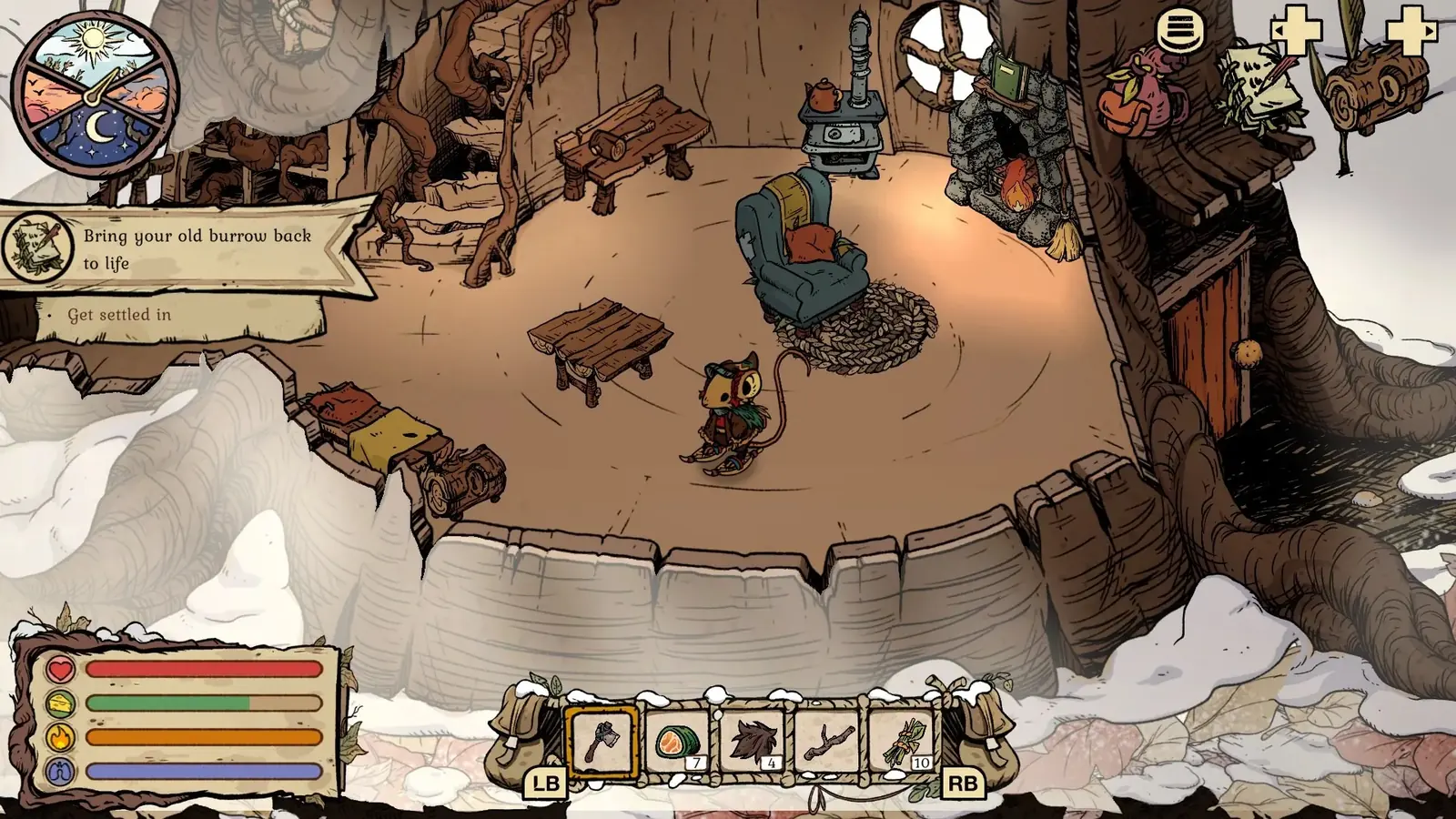
This proves the designs unlocked. A furniture achievement still requires the exact number of completed crafts shown by Steam.
04
Guide Step
What to Check Before You Restart
A good bug-fix article needs a checklist. Check patch version. Check whether the task was completed after the current patch. Check whether the item or set was crafted, not just previewed. Check whether any character or quest state is still open. Check whether the achievement is tied to a set, a full family, or a specific NPC sequence. If the answer to all of those is yes and it still does not unlock, then you can move into bug-triage language. Until then, you are still in verification mode.
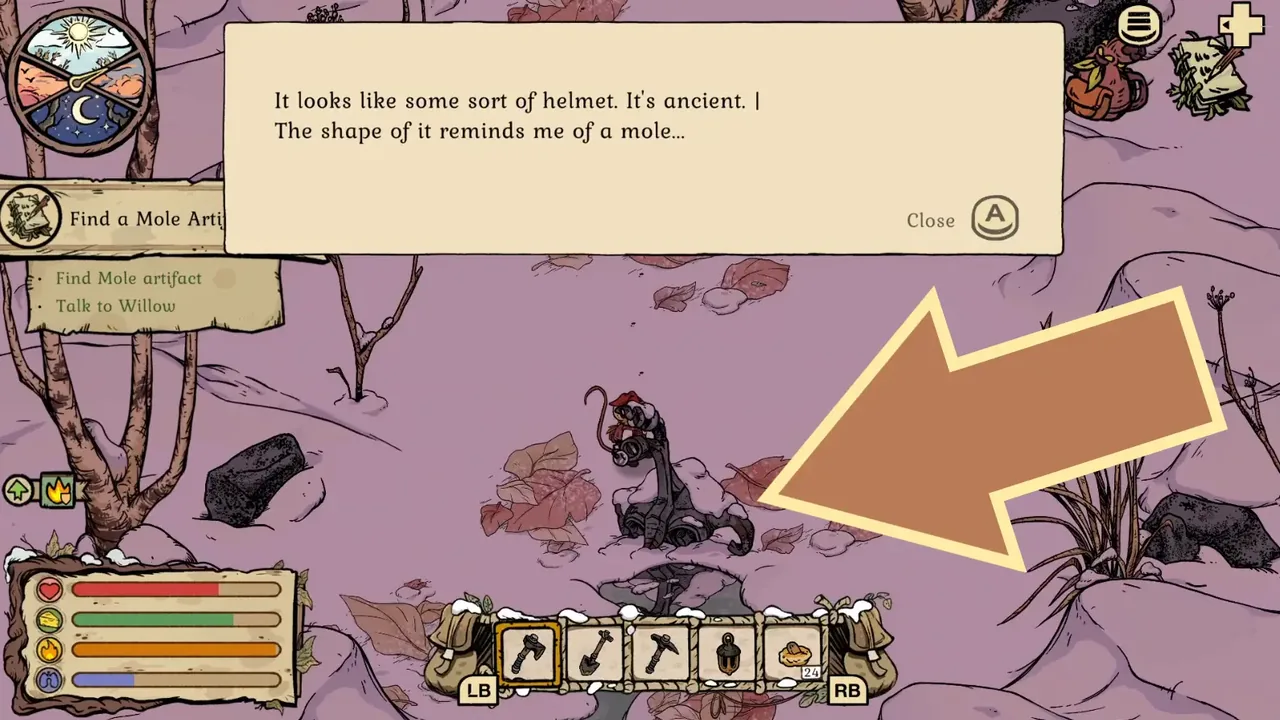
A real quest-state check: the Mole Helmet inspection is visible and Talk to Willow proves the pickup registered. Gameplay screenshot via Gamer Social Club.
05
Guide Step
Choose the Right Fix Path Before Touching the Save
Use the achievement description to choose the next test. For a crafting achievement, open the current save and confirm the finished objects exist; seeing a recipe in the menu only proves that the design is known. For a collection or set achievement, compare the completed inventory one item at a time and look for a variant that was unlocked but never made. For a story achievement, return to the last relevant NPC and finish every available line of dialogue before leaving the area. For a tool achievement, keep every completed tier available and verify that the final craft happened on the profile that is currently connected to Steam or Xbox. After that, make one low-cost repeatable action: place the last furniture piece again, re-enter the burrow, speak to the quest giver, or craft the cheapest missing candidate. Do not perform all of those actions at once. A single controlled trigger gives you useful evidence; a frantic sequence does not tell you what fixed the state.
Crafting or set unlock: verify completed objects, not visible recipes.
Story unlock: finish the hand-in and the follow-up dialogue.
Tool unlock: verify every required tier on the same active profile.
Still stuck: preserve the save and record the exact trigger you retested.
06
Guide Step
Use the Right Follow-Up Guide
After the quick diagnosis, move to the guide that matches the missing state. Use the achievements guide for a full 100% list, the Tidy Up update for patch context, the furniture benefits guide when a furniture set is involved, and the save slots guide if you are comparing old and new runs. That keeps the fix narrow. You should not farm every material again when the real issue is one missing recipe, one unplaced furniture piece, or one quest hand-in that never happened.
07
Guide Step
When It Is Probably a Real Bug
After you verify the exact tier, crafted item, quest state, active save, and current patch, then it may be a real unlock issue. At that point, take a screenshot of the finished requirement, note the save slot, note whether it began before or after the update, and check the Steam discussion hub for similar reports before replaying a long section. If other players report the same achievement and the same patch, you have stronger evidence. If nobody else reports it, preserve the save and try the smallest repeatable trigger first, such as placing the final furniture piece again or re-entering the burrow after a completed craft.
Supply Tip 1
Check patch version first.
Supply Tip 2
Verify exact tier or set completion.
Supply Tip 3
Do not delete saves before confirming the requirement.