If you searched for Winter Burrow tunnels not opening, do not start by walking the whole map again. Most failed tunnel checks fall into one of four buckets. First, you are on a Willow tunnel step and the notebook, shovel, or hand-in state is not complete yet. Second, you are trying to use a fast travel shortcut before discovering or testing both sides. Third, you dug or opened a tunnel but did not inspect it immediately, which matters because community bug notes and the in-game FAQ context point to a known inactive tunnel bug. Fourth, you are standing at the wrong side of a connection and the entrance you can see is not the one your current objective wants. The fastest fix is a state audit: read the objective, return to the last NPC hand-in, confirm the tool, inspect the tunnel now, then test one normal return route before relying on the shortcut.
Willow wording means quest state first: notebook, shovel, home-side prompt, then tunnel.
Shortcut wording means fast travel only after the tunnel has been discovered and tested.
Newly opened tunnel? Inspect it immediately before sleeping, leaving, or starting a different route.
Start with the objective text. Notebook or Willow wording means this is a quest-state problem, not a general shortcut problem.
02
Guide Step
Step 1: Decide Which Tunnel Problem You Have
The word tunnel covers more than one system. A Willow tunnel is part of a quest chain: notebook found, notebook returned, shovel state ready, dig spot checked, and the connection inspected. A fast travel tunnel is a route shortcut added for returning home more cleanly after the Tidy Up update. A bugged or inactive prompt is different again: the game may show a dug or opened space, but the interaction does not respond. Mixing these cases is why players lose so much time. Write down the exact wording on screen. If it names Willow, notebook, shovel, or a tunnel to dig, stay on the quest track. If you are only trying to get home faster after a material loop, use the shortcut track. If the prompt used to work and now does not, use the inactive-prompt checks below.
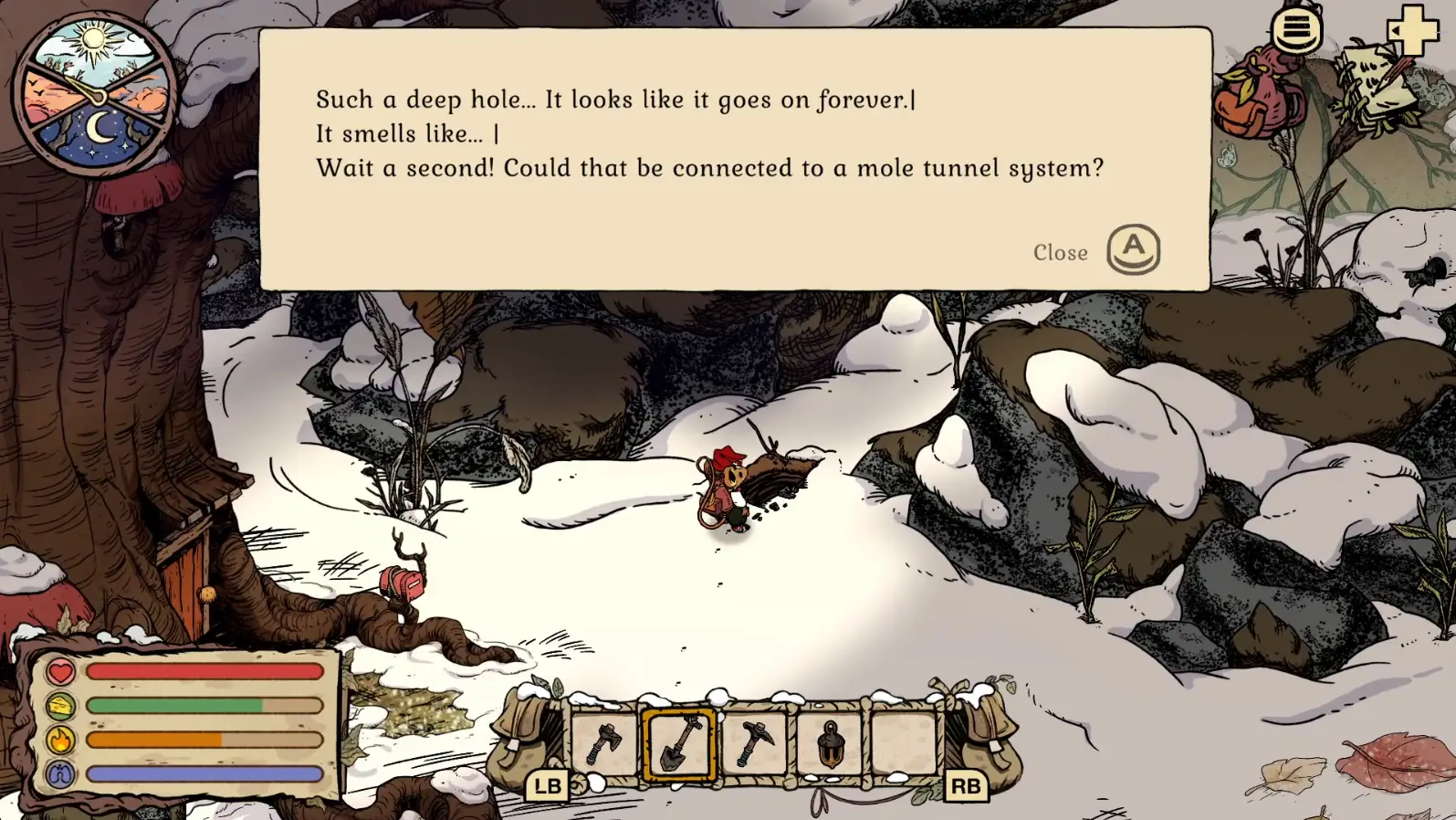
For Willow, the tunnel is not just a hole in the ground. It proves that several earlier actions happened in the right order. Go back to the last clear state: did you return Willow’s notebook, unlock or craft the shovel state the quest expects, and check the home-side route instead of only searching beside Willow? If the notebook is still in your inventory, hand it in. If the shovel recipe or tool state is missing, do not scan for another entrance; move the story forward and open the workbench or relevant station again. If the dig spot appears but does nothing, leave the area only after rechecking the objective and trying the interaction from the correct side. Use the full shovel tunnel guide when the route itself, rather than the inactive prompt, is unclear.
Notebook not returned: solve that before testing any tunnel.
Shovel state missing: check dialogue and home crafting before route attempts.
Prompt visible but inactive: test once, return to objective text, then inspect again before sleeping.
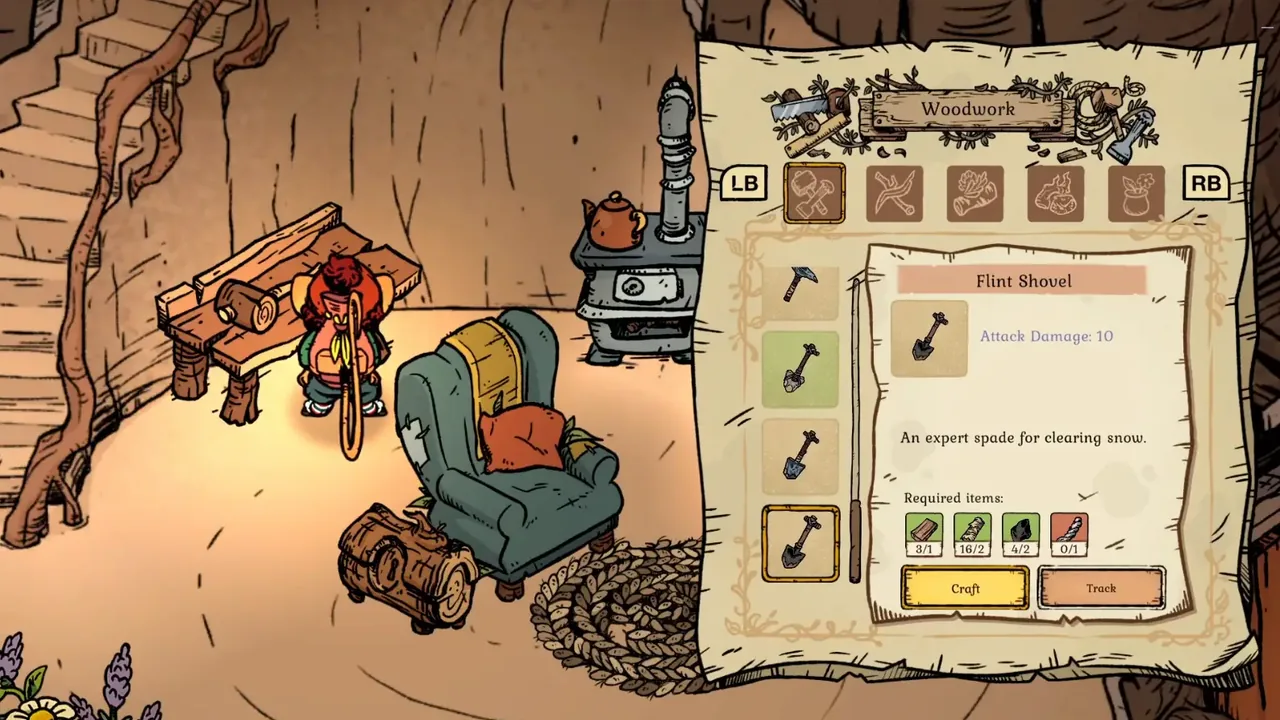
This is the actual Flint Shovel recipe screen. If it is absent, return Willow's Notebook and finish the dialogue first. Gameplay screenshot via Gamer Social Club.
04
Guide Step
Step 3: Do Not Treat Fast Travel as Discovery
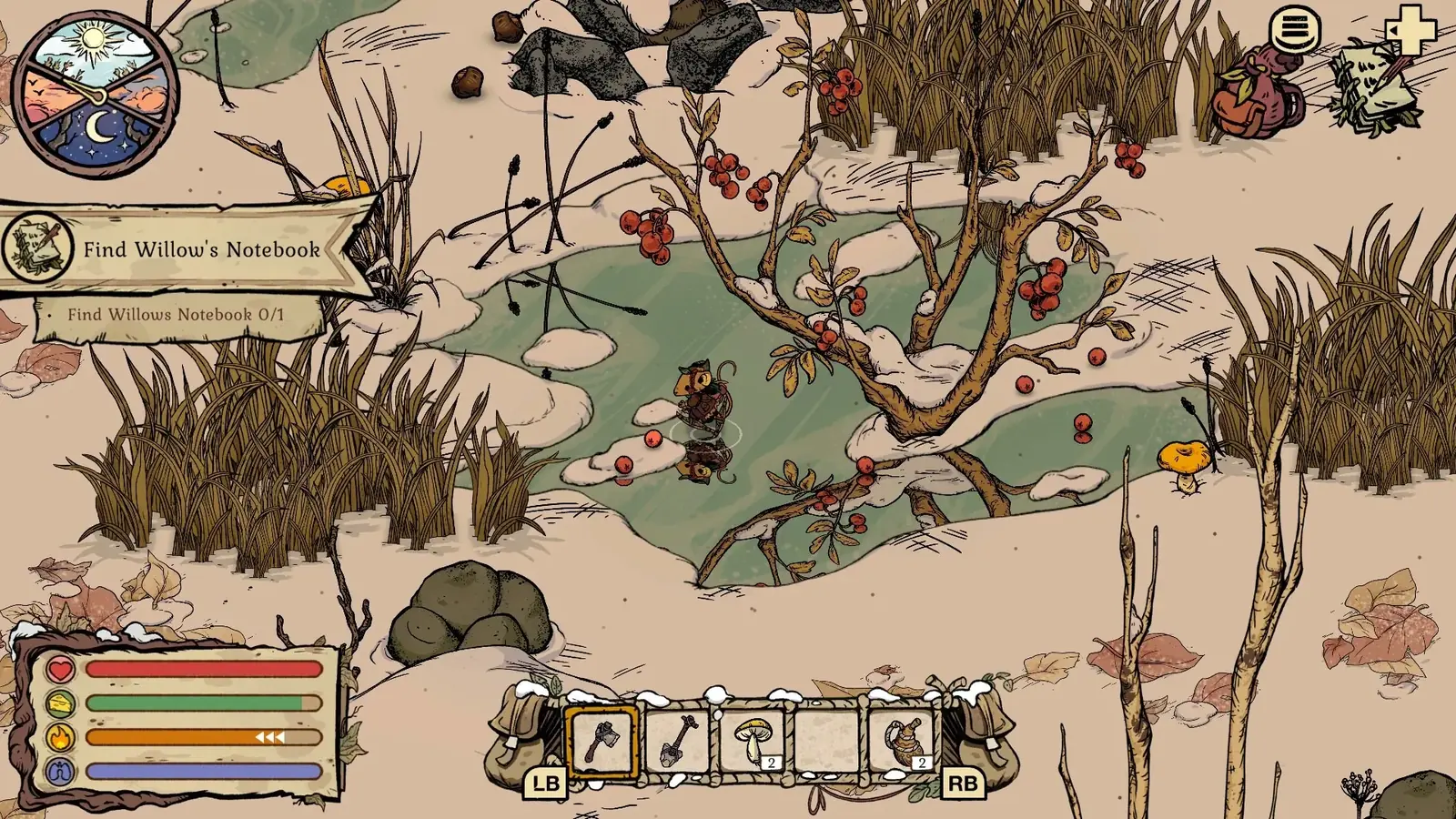
Fast travel is useful after a route works. It is not a discovery engine for a route you have never solved. If a shortcut refuses to open while you are still looking for the target, slow down and finish the normal route first. Open the tunnel only after you can answer four questions: where did I enter, what goal did I finish, where does this connection return, and can I walk back normally if it fails? The Tidy Up update made secret mole tunnels valuable for heavy returns, but the update did not remove prerequisites. A Granite haul, furniture-material loop, pantry loop, or late quest pickup is a good tunnel use case. A first-time Willow or Moss route with unclear objective wording is not. Scout normally, complete the goal, inspect the shortcut, then use it as a safer return.
A verified Willow tunnel prompt. It is shown to diagnose interaction state, not to claim this exact entrance is a secret Tidy Up shortcut. Gameplay screenshot via Gamer Social Club.
05
Guide Step
Step 4: Handle the Inactive Tunnel Bug Safely
If you opened or dug a tunnel and then the prompt stopped responding, treat it like a recoverable state problem before assuming the save is ruined. The practical rule is simple: inspect it immediately when it opens. If you missed that moment, return to the tunnel from the side that originally triggered the quest, re-read the objective, and test the interaction once in daylight with an empty enough bag. If it still refuses, reload a recent home save if you have one, repeat the last hand-in, open the tunnel, and inspect it immediately before sleeping or starting another task. If you cannot reload, document the exact quest state and use the normal route while you wait for a patch or community confirmation. The wrong move is repeating a cold route ten times with different food and hoping the same inactive prompt changes.
Best prevention: inspect it immediately after digging or opening.
Best recovery: return from the original quest side, then test one interaction in daylight.
Best fallback: use the normal route and avoid carrying rare items into bug testing.
06
Guide Step
Step 5: Check the Wrong-Side Problem
Some tunnel entrances look like they should work from either direction, but your current quest state may only care about one side. If the home-side prompt is the active objective, do not keep searching beside Willow. If the Willow-side scene is active, do not spend the whole day around the burrow entrance. If a community note mentions a shortcut near rocks, a stump route, White Pillars, Moss, or Bufo, use those as landmark hints, not as proof that your current objective has changed. The fix is to pair the entrance with the current wording. Objective first, landmark second, shortcut third. That order keeps tunnel troubleshooting from turning into a map-wide scavenger hunt.
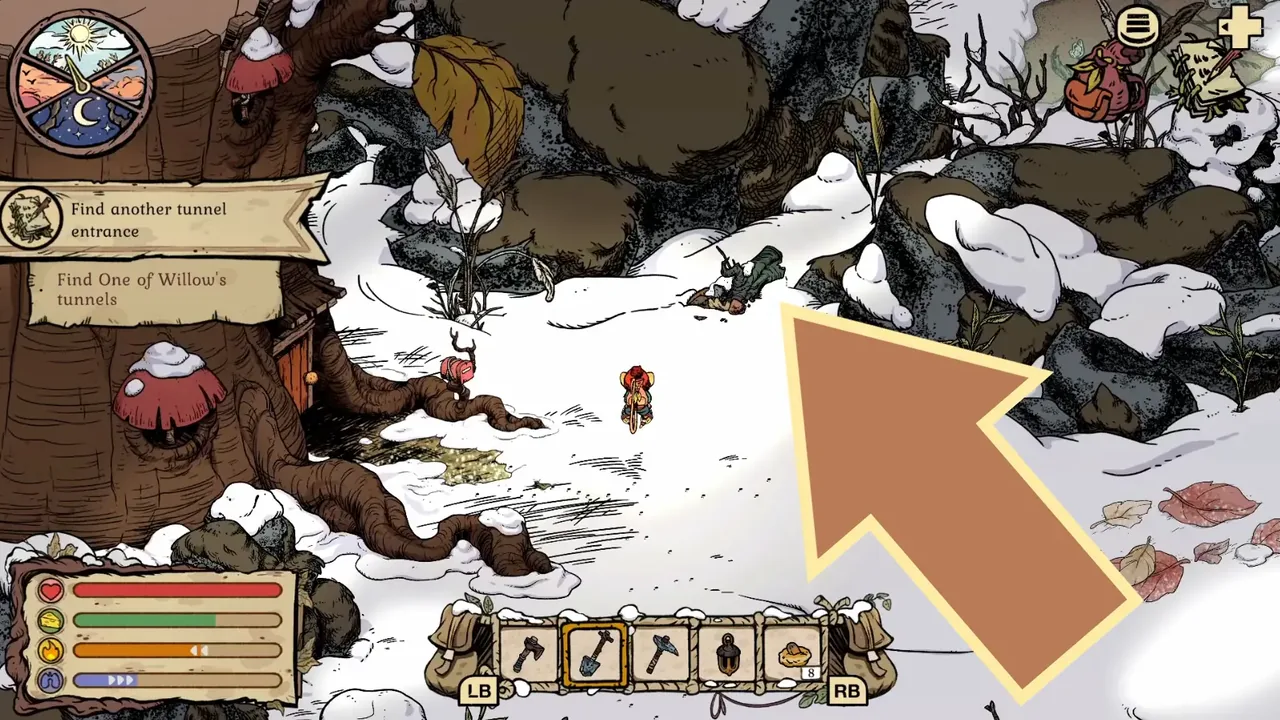
The home-side objective and burrow wall identify the correct side of Willow's tunnel step. The large arrow was added by Gamer Social Club.
07
Guide Step
When to Open a Different Guide
Use the shovel tunnel guide when the blocker is notebook, shovel, dig spot, or the Willow tunnel route. Use the fast travel guide when the route works but you want a safer return after the update. Use the tunnel locations guide when you need landmark context for several shortcut entrances. Use the map guide only for general orientation. A tunnel that will not respond needs a fix checklist. A tunnel you have never found needs a location checklist. A route you cannot survive needs a loadout checklist.
Supply Tip 1
Read the exact objective before testing another entrance.
Supply Tip 2
Inspect a newly opened tunnel before sleeping or leaving.
Supply Tip 3
Keep a normal return route until the shortcut has worked once.