Winter Burrow Storage Chest Guide - Sort Chests After the Tidy Up Update
Use this when storage feels different after the update. Sort chests by purpose, protect rare materials, and keep recipe checks from turning into a burrow-wide search.
The Tidy Up update changed a storage habit players had built since launch. The official update says each crafted storage item now represents its own storage space, and the old infinite Burrow Storage is now limited. That is a quiet change with a big effect. Before, you could throw materials into one mental pile and trust the burrow to hold everything. After the update, every box, wardrobe, or storage furniture piece needs a job. If you keep playing the old way, recipes look missing, quest items seem lost, and rare route materials disappear inside the wrong container. Treat storage as a workstation support system whose job is to reveal the next tool, food, clothing, furniture, or NPC item in one stop.
Old habit: one invisible pile for everything.
New habit: each crafted storage object has a purpose.
Best first action: audit home storage before taking a long route.
Most important rule: keep quest items away from furniture overflow.
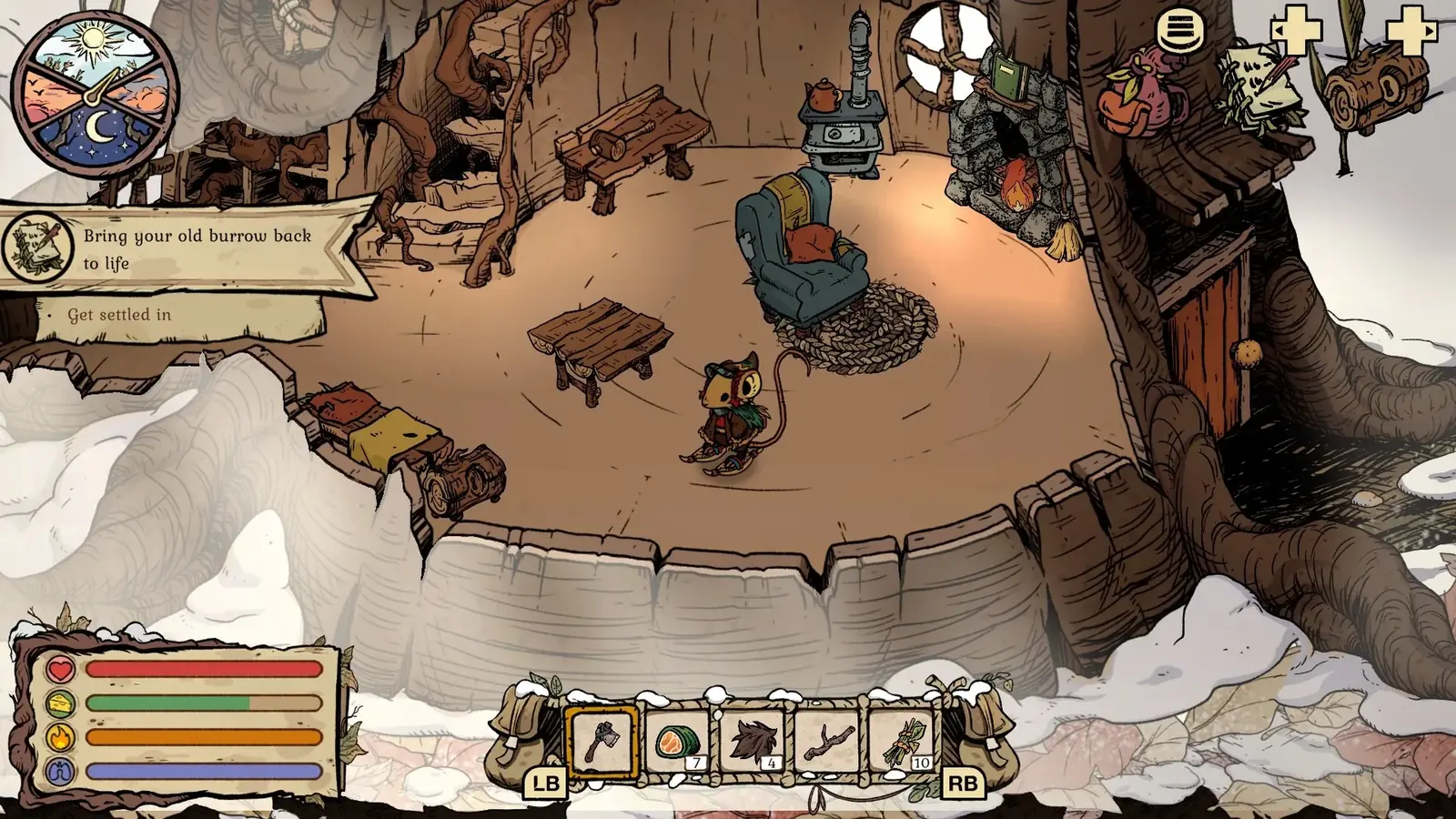
Official Tidy Up announcement art. The patch notes confirm that each crafted chest or wardrobe now represents its own storage space.
02
Guide Step
The Six-Box Sorting Method
You do not need a complicated spreadsheet. Use six categories and keep them near the station that needs them. First, tool materials: Flint, Granite, axe pieces, pickaxe pieces, shovel needs, and anything tied to a gate. Second, pantry: berries, mushrooms, herbs, water, pies, tea, and route food. Third, clothing materials: yarn, fiber, fur, and warmth crafts. Fourth, furniture materials: wood, twigs, pebbles, fiber overflow, and set pieces. Fifth, quest shelf: Heavy Key, notebook items, Mole Artifact, Moss clues, delivery items, and anything an NPC names directly. Sixth, overflow: common material you can afford to forget for a while. This storage chest method works because it follows how the game blocks you. Routes stop because a tool is missing, a food safety item is missing, an NPC item is missing, or a recipe material is hidden in the wrong place.
Keep tool material closest to the workbench.Keep pantry items closest to the stove.Keep quest objects closest to the exit.
03
Guide Step
Old Save Audit
If you are opening an old save after the update, do not leave the burrow immediately. Spend ten minutes on an audit. Open every container. Move rare route materials into the tool box. Move pantry items into one food container. Move quest objects into one obvious place. Move furniture pieces and set materials away from the workbench so you do not spend tool material on decor by mistake. Then open the workbench, stove, and armchair once each. The goal is to check whether the stations see the items you expect. If a recipe still looks short, check the correct category rather than searching the entire home. When the sort is finished, take one screenshot of each container so a later missing-item check starts with evidence instead of memory. Keep one overflow box empty for the next route. This turns an update surprise into a repeatable workflow.
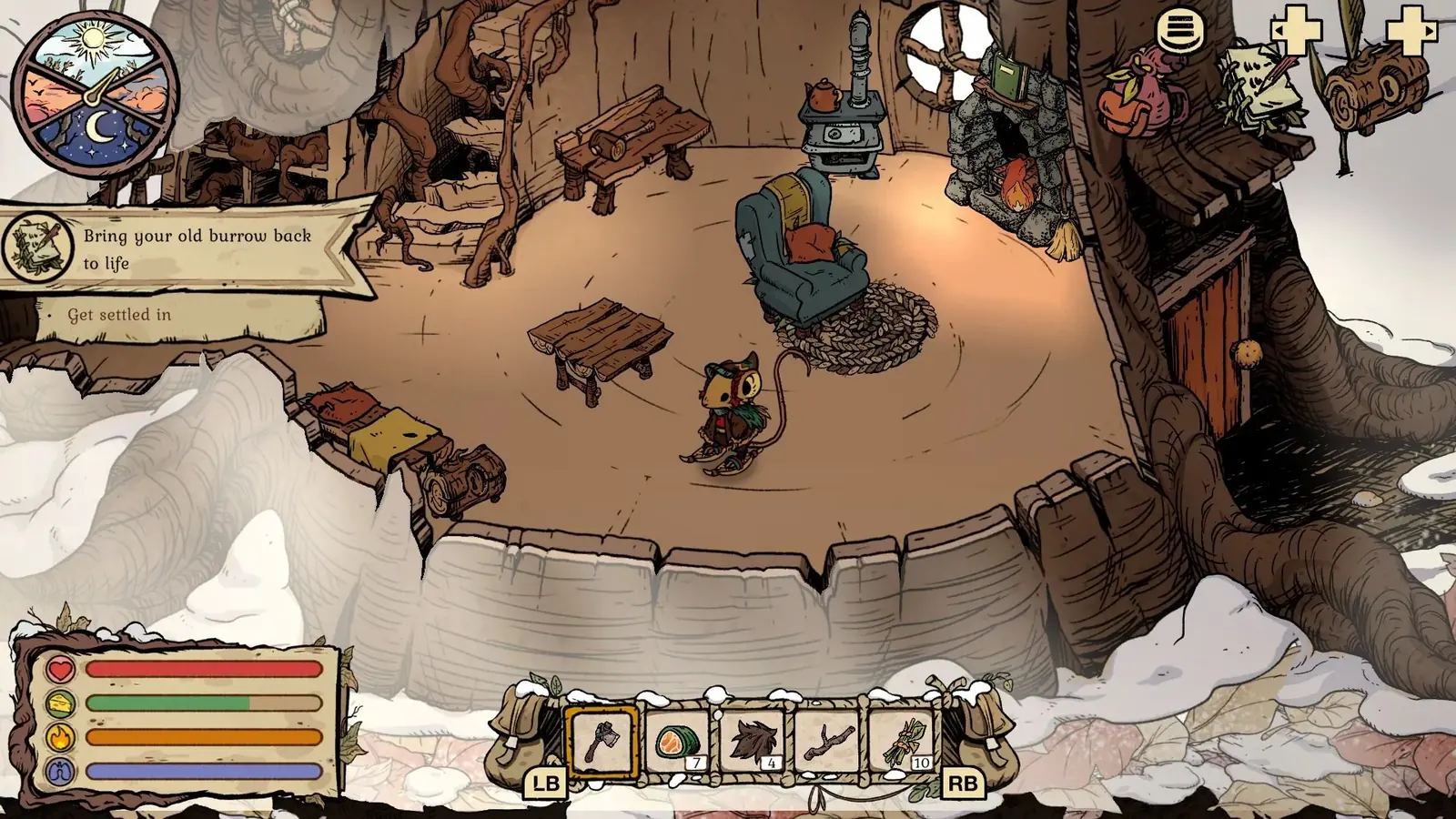
Audit before cleanup. The storage and inventory columns make each stack visible before you move or recycle it.
04
Guide Step
What Not to Put Together
Some pairings create trouble. Do not store quest objects with ordinary furniture materials, because the visual clutter makes them easy to ignore. Do not store Flint and Granite with overflow stone if you still need tool crafts. Do not store route food with raw pantry items if you need to leave quickly. Do not put clothing yarn and furniture fiber in the same place unless you already know which craft comes next. The game is gentle, but material families overlap enough that a messy box can delay a whole route. A clean system reduces searching and protects early progression.
05
Guide Step
Recipe Check Workflow
When a recipe looks unavailable, follow a fixed workflow. First, identify the station: workbench, stove, armchair, furniture craft, or quest hand-in. Second, open the matching storage category. Third, move the likely material into inventory. Fourth, reopen the station. Fifth, craft only the item that solves the current blocker. If the station still does not show the craft, the missing piece may be story state rather than material. That distinction matters. Farming more wood will not unlock a recipe that needs NPC progress. The storage chest system helps you find out which problem you really have.
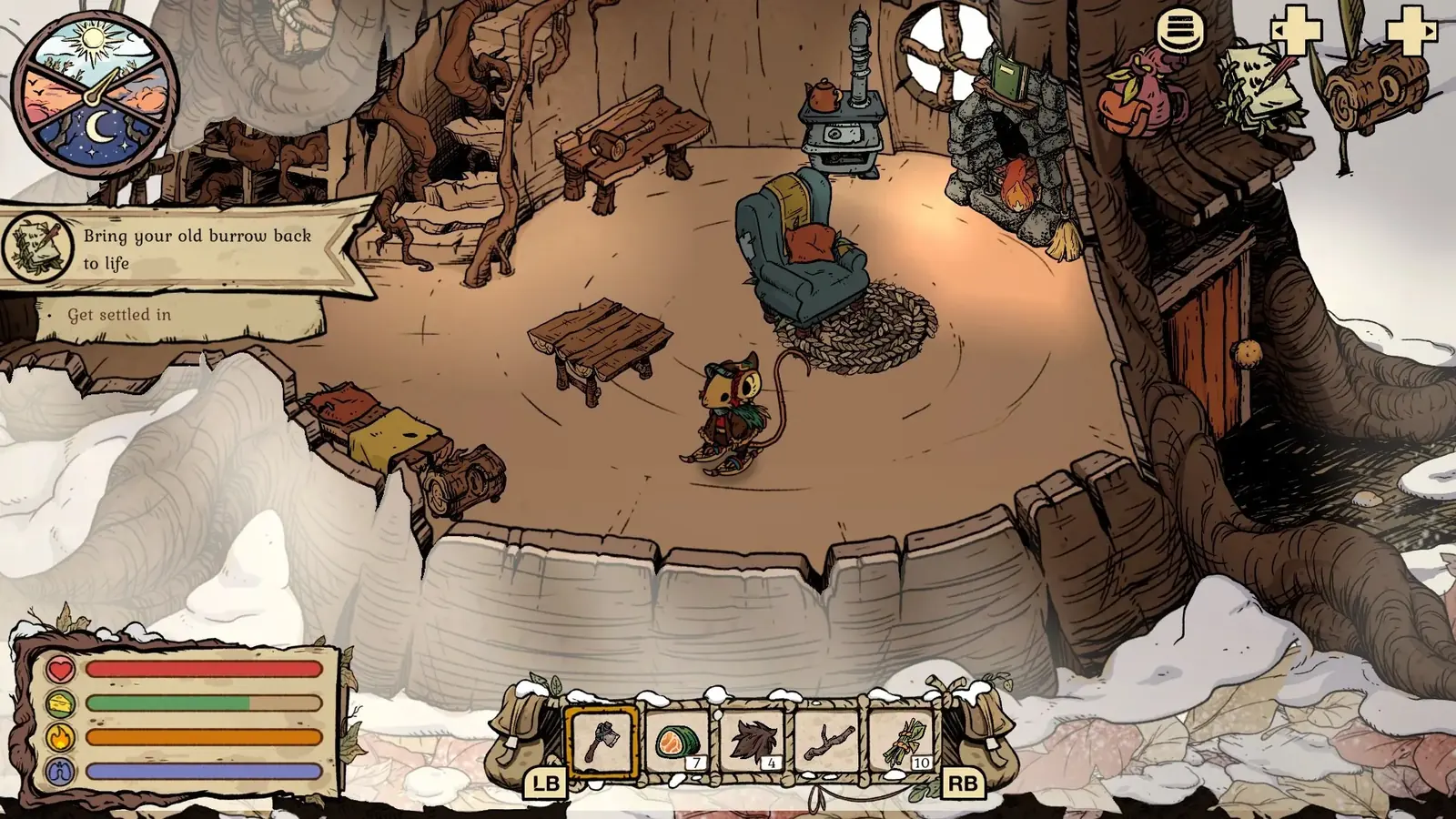
This confirms furniture designs are available after progression. Return to sorted storage before crafting so tool and quest materials remain protected.
06
Guide Step
When to Use the Broader Storage Page
After the six-box sort is working, use the broader storage and inventory guide for route packing, heavy-material loadouts, and old-save recovery. Open the recycling guide before deleting duplicates. Open the item guide when an object is visible but its use or prerequisite is unclear. The next step depends on the blocker: sorting, packing, recycling, or item identification.
Supply Tip 1
Sort by use, not by item name.
Supply Tip 2
Keep quest objects in one obvious place.
Supply Tip 3
Check the station again after moving material into inventory.