Winter Burrow Recycling Guide - What You Can Recycle and When It Is Worth It
Recycling helps clean up bad builds and spare items. This guide explains the system in plain language, without turning it into false free-material advice.
The Tidy Up update says recycling is a way to dispose of unneeded items and, if you are lucky, recover some materials for another purpose. That is the core idea. It is not a way to print resources from nothing. Use recycling when you made the wrong piece, overbuilt a duplicate, or no longer need a specific item because your route plan changed. Treat it as cleanup after a decision, not as a shortcut around gathering, crafting, or quest planning.
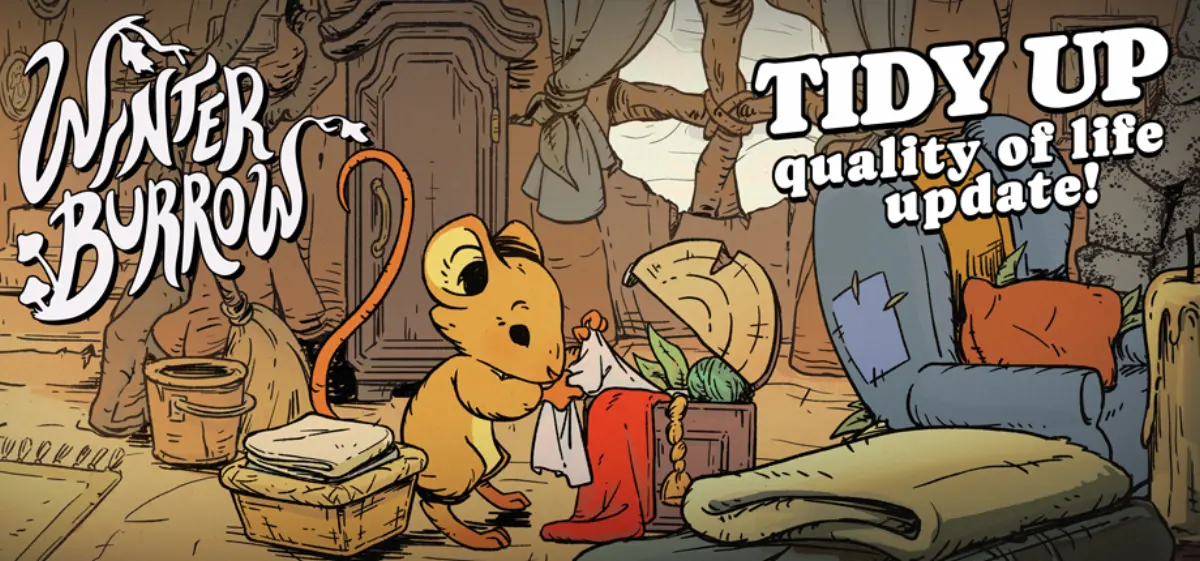
Official Tidy Up announcement art. The accompanying patch notes add recycling and warn that recovered materials are not guaranteed.
02
Guide Step
When to Recycle
Recycle when you have the wrong furniture piece, an extra copy of a build you no longer want, or an item that was useful before your current route changed. Do not recycle anything that could still unlock a tool, help with storage, or complete a quest. The safest rule is simple: if the item is part of a route gate, keep it until the gate is solved. If the item is decoration, excess, or a confirmed mistake, recycling starts to make sense.
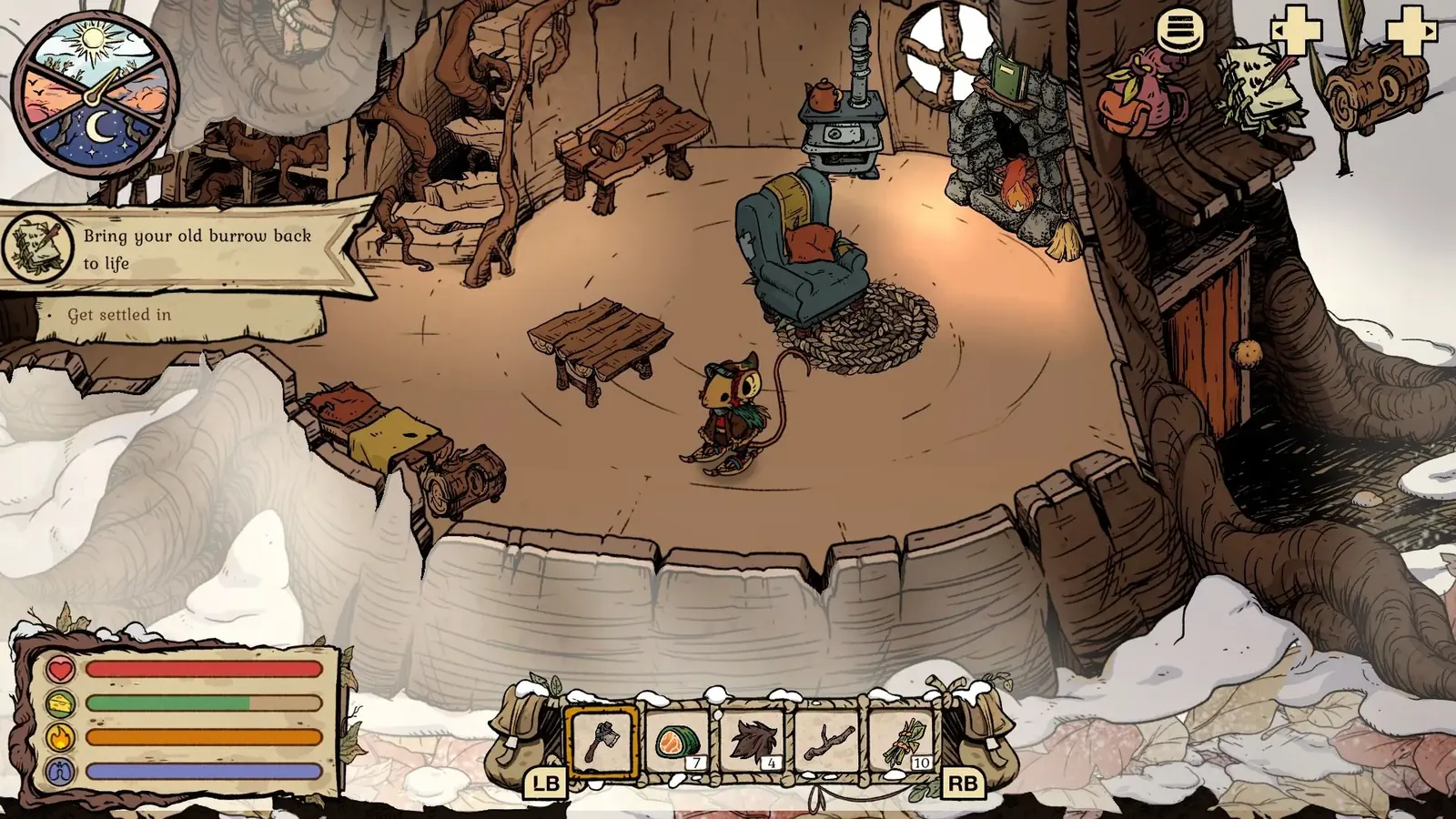
Use the actual storage and inventory columns to separate route, quest, and furniture material before recycling anything.
03
Guide Step
Test Recycling With One Low-Risk Item First
The official wording says recycling may return some materials "if you are lucky," so do not plan around a guaranteed refund or an invented percentage. Start with one duplicate that has no quest, tool, clothing, food, or furniture-set purpose. Write down what the item originally required if that recipe is visible, place every protected resource in storage, and recycle only that duplicate. Record exactly what comes back. This teaches you how the current build behaves without risking a rare object. It also separates two questions that players often mix together: whether an item can be recycled and whether recycling it is economically worthwhile. A system can accept an item and still return too little for that choice to help your current route.
Choose a cheap duplicate with no progression or set purpose.
Move protected materials and quest items into storage first.
Record the input item and the exact materials returned.
Do not extrapolate one result into a guaranteed refund rate.
04
Guide Step
What Not to Recycle
Do not recycle materials you still need for tools, food, clothing, or quest items. That sounds obvious, but crowded storage makes bad choices feel reasonable. Put Flint, Granite, quest objects, and limited seasonal pieces in a "think twice" category. If a material can unlock a route, repair a station, finish an NPC step, or complete a seasonal craft, store it first and recycle something else. When in doubt, open the storage guide and clean the chest before dismantling items.
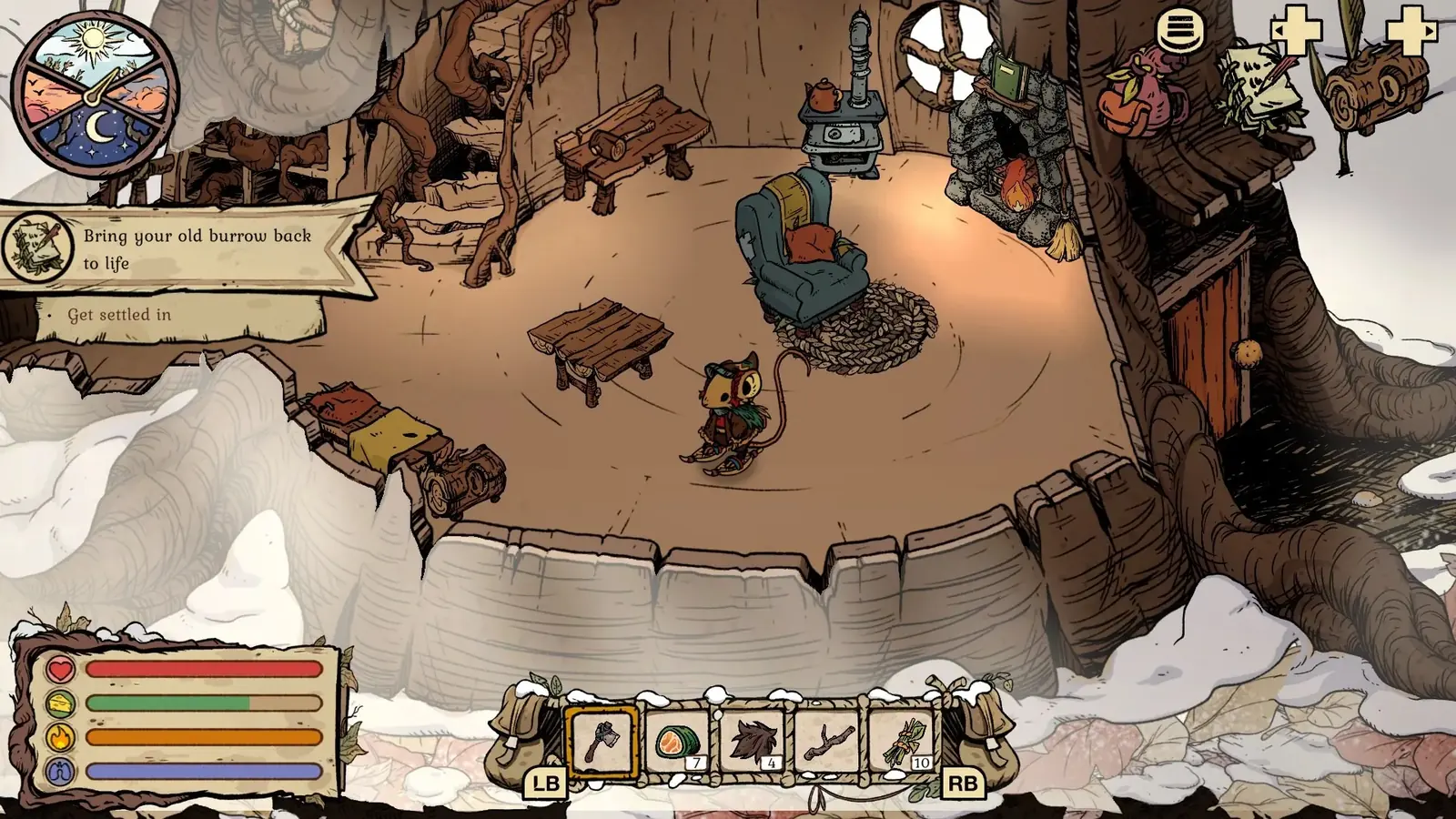
Open the relevant recipe card before recycling: this official menu shows how the game identifies the exact materials a station still needs.
05
Guide Step
Best Recycling Order
Use this order. First, sort storage so obvious route materials are safe. Second, check workstation needs so you do not recycle something required by the next recipe. Third, compare furniture pieces against your current stat or set goal. Fourth, recycle duplicates, wrong builds, and items that no longer support a route. If the save is old, use the save slots guide and preserve one untouched file before doing a major cleanup. That gives you a recovery point if you discover a seasonal or achievement item was still needed.
06
Guide Step
A Keep, Test, Recycle Sorting Pass
Emptying a crowded chest is safer when every item goes through three decisions. Keep anything named by the active objective, anything used by the next tool or route gate, every unfinished clothing or furniture-set component, and ingredients for the food you actually carry. Put uncertain duplicates in a separate test group; these are items whose current recipe or achievement use you have not checked. Recycle only the final group: confirmed duplicates, abandoned decorative choices, and objects that no longer serve the route or completion plan. If an item is unfamiliar, search it in the Item & Unlock Finder before moving it out of the test group. This pass takes longer than selecting everything that looks spare, but it prevents a cleanup feature from creating a new gathering problem.
07
Guide Step
Plan the Next Craft Before Recovering Materials
Decide where any recovered material will go before recycling. Open the workstation, select the next real objective, and note the missing ingredients. If the recycled return fills one of those gaps, move it straight into the protected stack for that craft. If it does not, store it by material family instead of feeding it into another speculative item. This keeps the recycling loop attached to a concrete goal such as a tool upgrade, backpack improvement, clothing piece, or furniture test. It also gives you a stopping rule: once the next craft is funded and storage is readable, stop dismantling. Recycling every spare object merely because the feature exists can erase useful options from the save without improving the route you are trying to complete.
08
Guide Step
How to Know Recycling Was the Right Call
Recycling was the right call if your storage is clearer, your next route material is still protected, and you did not reduce your ability to craft a tool, food, clothing piece, or quest object. If you are unsure immediately after recycling, stop and check the workstation. The safest cleanup session ends with a smaller inventory, a clear route plan, and no missing materials for the next objective.