Winter Burrow Discord: Official Pine Creek Server
Building

Winter Burrow Discord: Official Pine Creek Server

Join the official Pine Creek Games Discord for Winter Burrow community chat. This page lists the verified invite path and separates Discord from in-game multiplayer or publisher support.

5 min read
Published
discordcommunityofficial
01

Guide Step

Quick Answer: Use the Pine Creek Games Discord

The official Winter Burrow community Discord is the Pine Creek Games server. Pine Creek posted the invite in official Steam news and on the Winter Burrow Linktree: https://discord.gg/pinecreekgames. Discord is an external chat room. It is not a co-op mode, a shared save, or a replacement for the official store pages.

  • Verified invite used on official Steam news and the Winter Burrow Linktree: https://discord.gg/pinecreekgames.
  • Developer: Pine Creek Games. Publisher support is still Noodlecake.
  • Re-check the official Steam news post or https://linktr.ee/winterburrow if an invite stops working.

Official path

Start from a Pine Creek Steam news post or the Winter Burrow Linktree, then join Discord. Do not trust a random invite from a comment or ad.

02

Guide Step

How to Tell an Official Invite from a Fake One

A Winter Burrow Discord search returns unofficial servers and expired links. Treat an invite as official only when it is repeated on a Pine Creek or Noodlecake channel you already trust. The current public path is the Pine Creek Games invite on official Steam news and on https://linktr.ee/winterburrow. A server that asks for a password, account details, or a game-key “verification” is not an official store checkout.

  • Prefer invites copied from official Steam news or the Winter Burrow Linktree.
  • Do not enter Steam, Nintendo, or Xbox passwords in Discord.
  • Publisher bug reports still go to Noodlecake support, not a random Discord moderator.
03

Guide Step

What Discord Is For, and What It Is Not

Use Discord for community questions, screenshots, and developer sneak peeks when Pine Creek posts them. It does not add in-game multiplayer. Official Steam, Nintendo, and Xbox listings still describe a single-player game. For the current co-op status, use /articles/winter-burrow-multiplayer. For story order, stay on /articles/winter-burrow-walkthrough.

  • Useful for: community troubleshooting and official teaser posts.
  • Not a substitute for: store purchases, cloud saves, or quest progression.
  • Co-op status: /articles/winter-burrow-multiplayer.
05

Guide Step

Frequently Asked Questions

Short answers based on official Steam news, the Winter Burrow Linktree, and current store listings.

  • Is there an official Winter Burrow Discord? Yes. The public invite is the Pine Creek Games server.
  • What is the invite? https://discord.gg/pinecreekgames, also listed on https://linktr.ee/winterburrow.
  • Does joining Discord add co-op? No. See /articles/winter-burrow-multiplayer.
  • Where do I report a bug? Noodlecake support, then your store account if the issue is billing or cloud saves.

Supply Tip 1

Open the invite from official Steam news or the Winter Burrow Linktree.

Supply Tip 2

Keep store passwords off Discord.

Supply Tip 3

Use the walkthrough for quest order, not Discord rumor routes.

Calculator Hooks

Extra Visual References

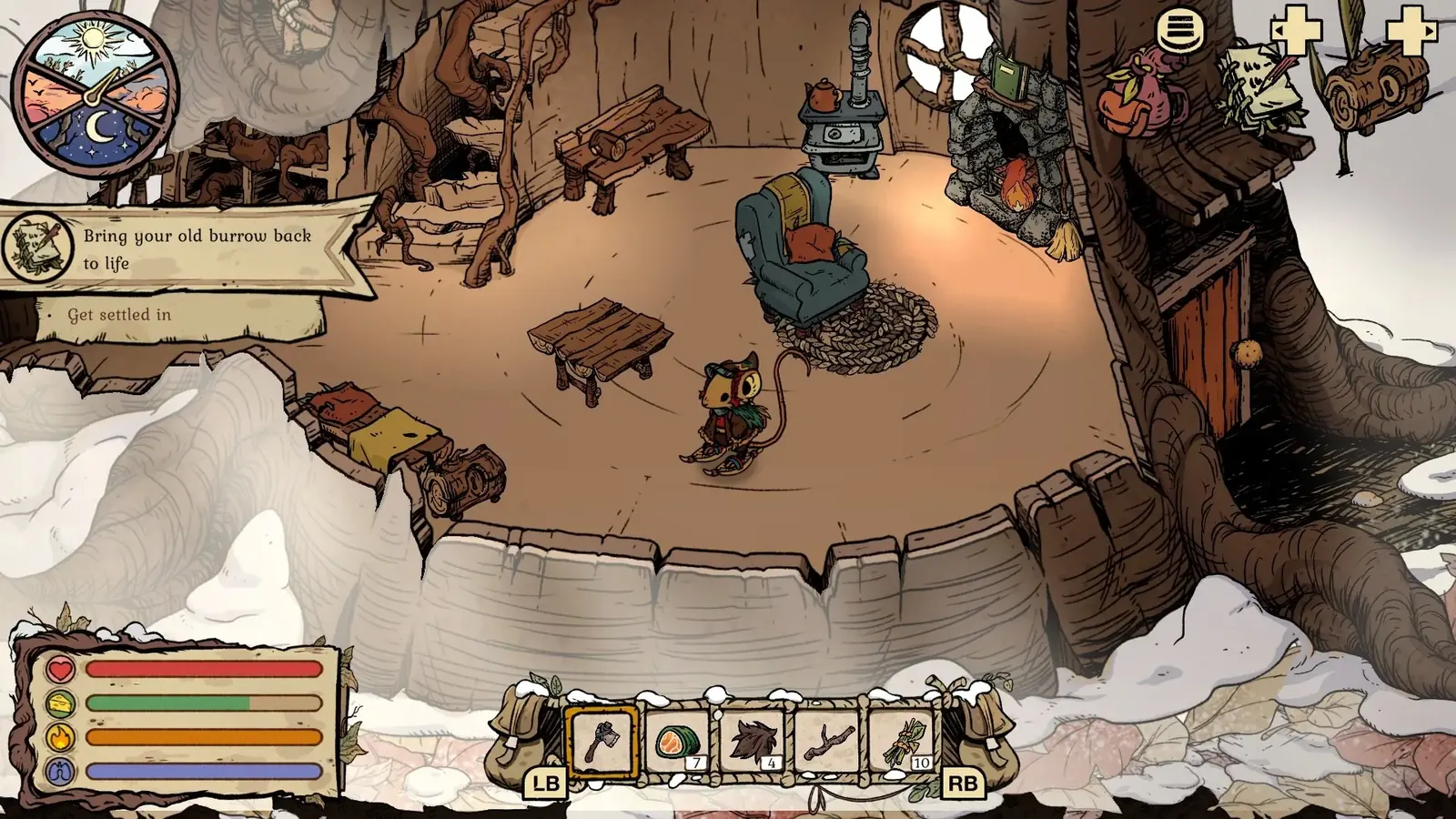
Winter Burrow remains a single-player burrow. Discord is community chat, not a second player in your save.

Winter Burrow remains a single-player burrow. Discord is community chat, not a second player in your save.

Sources & Verification Notes

Return to Articles

Related Articles