Winter Burrow PS5 - Current PlayStation Status and Best Alternatives
A Winter Burrow PS5 status page for players checking PlayStation availability. It separates official platform listings from rumors, then gives practical alternatives on Steam, Switch, and Xbox.
Check official platform pages before planning a purchase. As of the July 16, 2026 content check, Winter Burrow is listed officially on Steam, Xbox, and Nintendo Switch, while no public PlayStation Store product page was found in the confirmed platform set. Do not treat an old expectation or platform wishlist as a launch fact, and do not assume controller features, trophies, a release window, or performance modes without a Sony or publisher listing. For PS5, the practical status is "watch official news, but choose another confirmed platform if you want to play now."
Confirmed public platform pages to check first: Steam, Xbox, and Nintendo Switch.
Do not rely on screenshots of store wishlists, forum guesses, or placeholder listings unless they point to an official product page.
If a PlayStation version appears later, the safest confirmation will be an official PlayStation Store listing or a developer/publisher announcement.
For now, choose another supported platform if you want to start a save file immediately.
Start with official store pages. Platform status pages should show verified listings, not guessed console features.
02
Guide Step
How to Verify the Platform Without Getting Misled
The fastest check takes two minutes. Open the official Steam page, the Xbox Store page, the Nintendo eShop page, and then search the PlayStation Store directly. If the first three have product pages and the fourth only has search results or unrelated items, that is not a hidden release. It means the PlayStation page is not publicly confirmed in the same way. This distinction is important for readers. A page can answer the search without pretending there is a release date. It should also tell readers what evidence would change the answer: a store listing, an official publisher post, or a platform announcement. Avoid "expected" language unless the source says it. Winter Burrow is a cozy survival game, but platform coverage still needs boring evidence.
Look for a real product page, not a search result page.
Check whether the page lists a publisher, release date, screenshots, and purchase or wishlist controls.
Compare the platform list against Steam news, Xbox Store details, and Nintendo eShop details.
If an article says "confirmed" but does not link to an official listing, treat it as unverified.
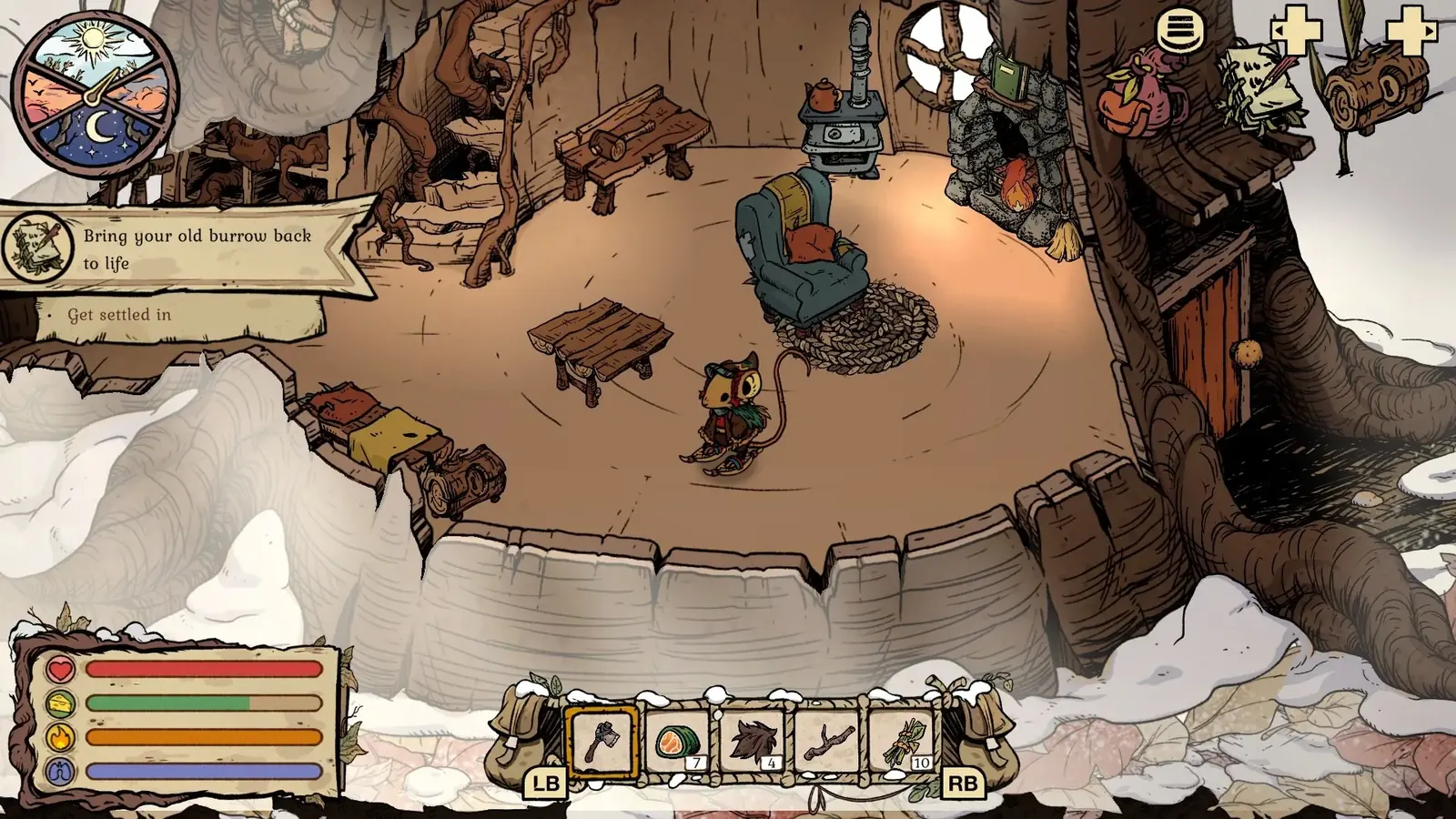
This is verified Switch gameplay, one confirmed console alternative. The image does not imply a PlayStation release. Source: Nintendo / Pine Creek Games.
03
Guide Step
Best Alternatives if You Wanted a Console Version
If you wanted a living-room version, Xbox is the easiest alternative to check because the official Xbox page includes store status and platform capability details. The Xbox Game Pass page on this site explains cloud, console, PC, and Play Anywhere style use cases in one place. If you wanted handheld play, Switch is the practical alternative. It gives the same cozy loop in a portable format, which fits Winter Burrow well because short loops, crafting checks, and route planning work nicely in 20 to 40 minute sessions. If you care about patches, screenshots, community guides, and keyboard or mouse flexibility, Steam remains the most transparent place to watch updates and discussions. The honest recommendation is based on how you play, not on console loyalty.
Choose Xbox if Game Pass, cloud play, or living-room play is your priority.
Choose Switch if handheld sessions matter more than desktop tools.
Choose Steam if you want fast patch visibility, screenshots, and community troubleshooting.
Use the same guide pages either way: item, map, pickaxe, Granite, and Willow advice does not depend on a PlayStation release.
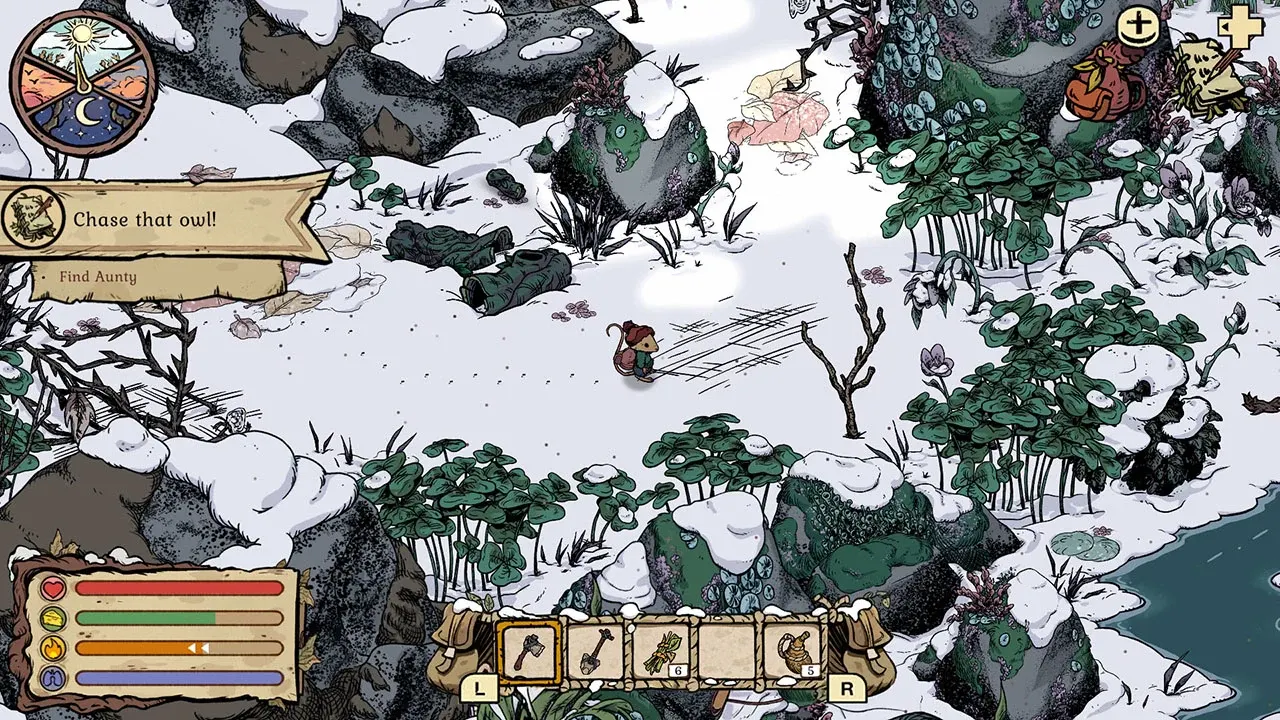
Real gameplay context for comparing confirmed platforms; platform availability still comes from official store listings.
04
Guide Step
What Would Confirm a PS5 Release
Treat a PlayStation release as confirmed only when there is a PlayStation Store product page, a publisher announcement that names PlayStation, or an official platform post with a release date. A forum comment or an unsourced “coming later” claim is not enough. A real listing should also provide platform details such as price, trophies, save features, and controller support. Until one of those official records appears, no public PS5 version is confirmed here.
05
Guide Step
Player Decision Checklist
Use this checklist before waiting. If you already own an Xbox or PC subscription path, read the Game Pass guide and decide there. If you own a Switch and mostly play in bed or on commute, check the Switch page and focus on readability and control comfort. If you want mods, Steam Deck experiments, or quick access to community discussions, use Steam. If you only want PlayStation and nothing else, bookmark official sources and come back when there is a real listing. The main thing is not to delay your first run because of an unconfirmed page. Winter Burrow progress depends on learning its resource loops, not on a specific controller.
06
Guide Step
Where to Go Next
The Xbox Game Pass guide explains the subscription route. The Switch page covers portable play and readability. The Steam page covers PC store details and community troubleshooting. If you already own the game, skip platform comparisons and open the item guide, map guide, or walkthrough for the next in-game blocker.
Subscription route: read the Xbox Game Pass page.
Portable route: read the Switch page.
PC route: read the Steam page.
Already playing: go to the item guide or map guide.
Supply Tip 1
Verify official store pages before trusting platform claims.
Supply Tip 2
Use Xbox, Switch, or Steam if you want to play now.
Supply Tip 3
Come back only when a real PlayStation listing or official announcement appears.