Quick Answer: Check the Signed-In Store for Your Region
There is no reliable single number that answers the Winter Burrow price question for every player. Steam, Nintendo, and Xbox can show different currencies, tax treatment, promotions, and subscription entitlements. A price copied from another country or an old article may be wrong when you reach checkout. Open the official store while signed into the account and region you will actually use, confirm that the product is Winter Burrow rather than a soundtrack or unrelated listing, and record the amount shown immediately before purchase. This page was fact-checked on July 16, 2026, but it deliberately does not freeze a live store value into evergreen copy.
Steam: open the official product page in the Steam client or regional web store.
Nintendo Switch: use the Nintendo Store region tied to your Nintendo Account.
Xbox: distinguish a direct purchase from access supplied by a current subscription.
Before paying: check currency, tax, platform, account region, and whether the offer is permanent ownership or access.
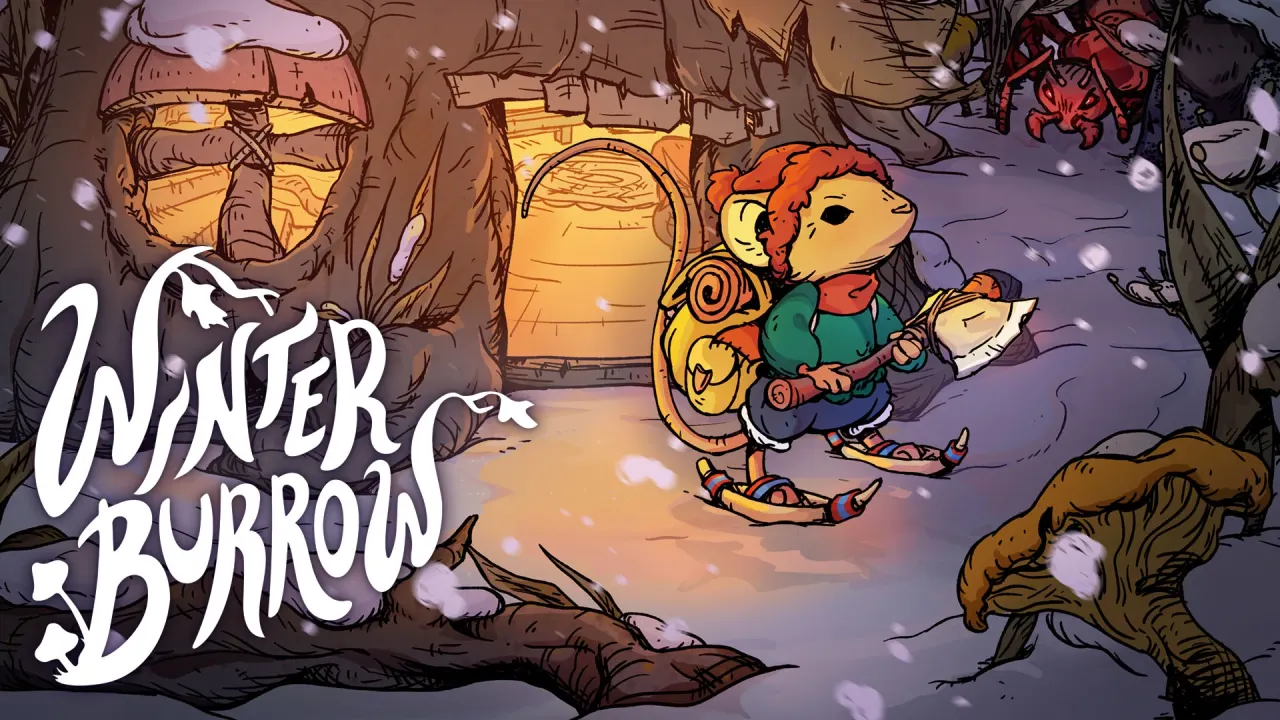
Match the title, publisher, and official artwork before comparing regional store offers. Source: Nintendo / Pine Creek Games.
02
Guide Step
Compare the Same Product, Not Just the Lowest Number
The cheapest-looking offer is not automatically the best purchase because the platform entitlement may be different. Steam is the current Windows storefront and lists Steam Cloud, achievements, full controller support, Family Sharing, and Save Anytime. Nintendo lists TV, Tabletop, and Handheld play plus Save Data Cloud for eligible subscribers. Xbox lists its own console, PC, cloud, and Play Anywhere features. Those differences affect where your save lives, whether you can continue on another device, and whether the game remains available after a subscription changes. Compare the store feature panel beside the live price instead of treating every listing as interchangeable.
Choose Steam for the current Windows feature set and Steam ecosystem.
Choose Switch when portable Nintendo play is the deciding factor.
Choose Xbox when Game Pass, cloud, console/PC access, or Play Anywhere matters.
Use the platform guide before paying if save portability matters more than the headline price.
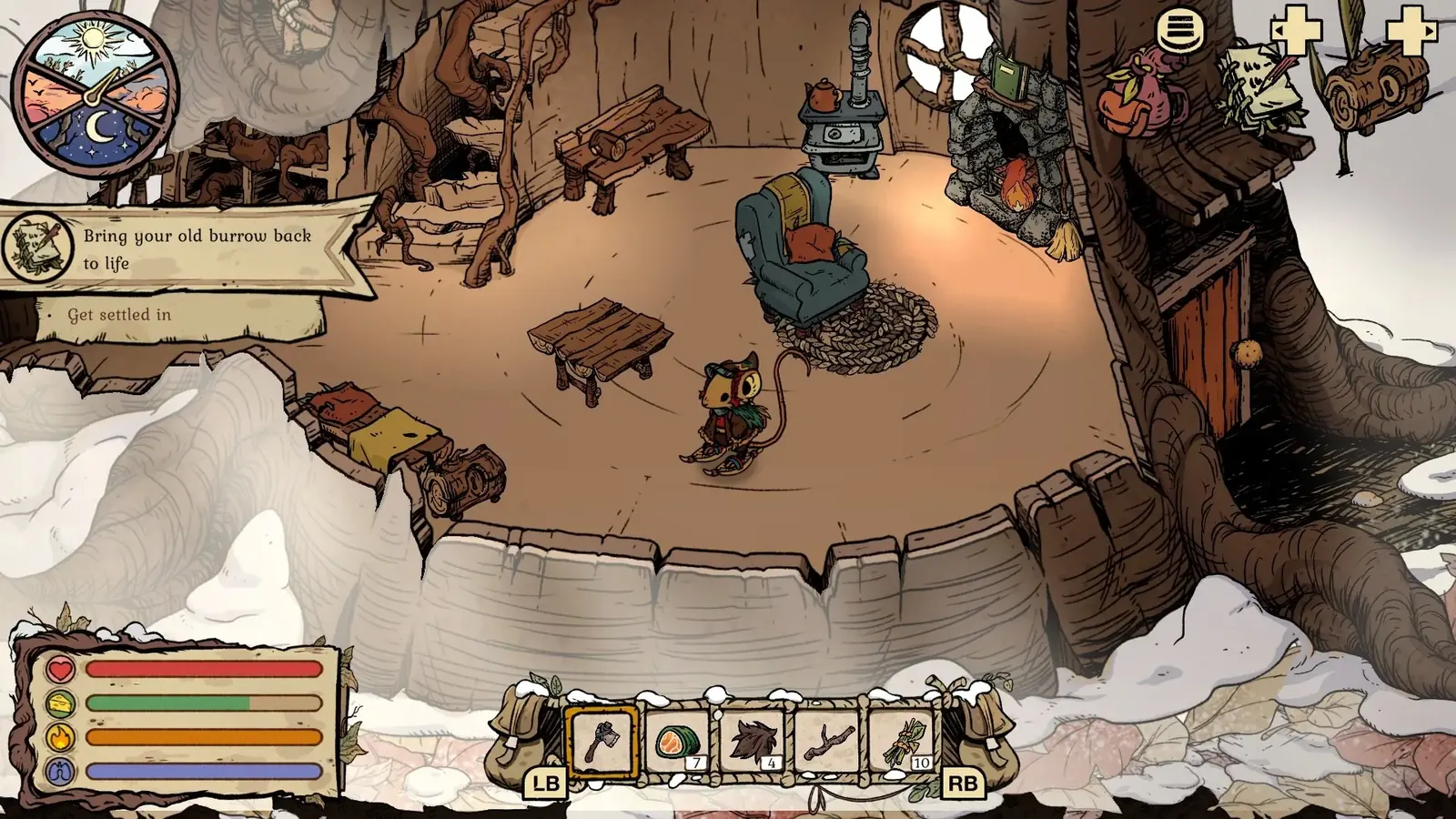
Platform choice changes the input and save ecosystem; this official Switch screen shows the console interface, not a price claim. Source: Nintendo / Pine Creek Games.
03
Guide Step
How to Read a Live Store Listing Correctly
Start with the account region because a store can redirect a public link to a different locale. Then check whether tax is included, whether the offer is a temporary promotion, and whether the checkout account can actually redeem the product. Do not compare a tax-inclusive European display directly with a pre-tax display elsewhere. Do not convert currencies manually and present the result as the local price; card conversion, store rounding, and regional pricing rules can all change the final charge. If the store shows a discount, record the end time and original price shown by that same store. A screenshot from months ago is useful history, not a current buying instruction.
Confirm the account region and checkout currency.
Check whether tax is already included in the displayed amount.
Read the promotion end time instead of assuming the discount will remain.
Avoid third-party keys unless you understand region locks, refund limits, and seller risk.
04
Guide Step
Steam Price Checks and Sale History
For Steam, the official store is the source for the amount you can pay now. SteamDB can help explain regional history and past changes, but it is a tracking reference rather than the checkout. Use both with clear roles: Steam for the live offer and entitlement, SteamDB for historical context. Add the game to your wishlist if you prefer notification over repeatedly checking the page. Do not publish a predicted discount percentage or a promised sale date. Publishers choose their own participation, regional discounts can differ, and an old pattern from another game is not evidence for Winter Burrow.
Live purchase decision: official Steam product page.
Historical context: SteamDB price record for app 3008740.
Notification method: Steam wishlist and client alerts.
Avoid claims about the next discount until a store displays it.
05
Guide Step
Nintendo Region, Save Cloud, and Digital Ownership Checks
Nintendo prices and availability are regional, so use the store attached to the Nintendo Account that will own the game. Confirm that the listing is available for that region and that the displayed language support matches your needs. Nintendo lists Save Data Cloud for Winter Burrow, but cloud backup requires the relevant Nintendo Switch Online service and is not cross-save with Steam or Xbox. A digital purchase belongs to the Nintendo account ecosystem. If you are comparing value, include the hardware and save behavior you will actually use rather than comparing only the number on the product page.
Open the correct regional Nintendo Store before comparing.
Check supported languages and the account that will own the digital purchase.
Treat Save Data Cloud as Nintendo backup, not cross-platform progression.
Use the dedicated Switch guide for current official feature details.
06
Guide Step
Xbox Purchase Versus Subscription Access
On Xbox, separate direct ownership from access through a subscription. A Game Pass listing can make the game playable while the entitlement is active, but that is not the same as buying a permanent license. The official Xbox page is also the place to verify Play Anywhere and cloud-related features. Read the signed-in page because subscription status, supported devices, and regional offers can change what you see. If you expect to play slowly over many months, compare the ongoing subscription you already use with a direct purchase. If you already subscribe for other games, the incremental decision may be different, but the store should still decide the current terms.
Direct purchase: check the signed-in Xbox Store offer.
Subscription access: confirm the current Game Pass catalog and your active tier.
Play Anywhere and cloud features: rely on the official Xbox badges and description.
Do not describe subscription access as permanent ownership.
The game is the same purchase subject; platform value comes from entitlement, save, input, and device features rather than a guessed cost-to-hours score.
07
Guide Step
A Purchase Checklist That Stays Useful
Before checkout, write down five answers: which account owns the game, which device you will use most, whether the save needs to move between devices, whether the offer is ownership or subscription access, and what refund policy applies. Then open the relevant official listing again and confirm the live amount. This method remains useful after prices change because it is based on the actual transaction rather than a cached number. For most players, the best platform is the one they already use and can read comfortably. If the choice is still unclear, compare the Steam, Switch, and Xbox feature guides on this site before buying.
Verify title, publisher, platform, region, currency, tax, and account.
Confirm ownership versus subscription access.
Read the official refund policy before starting a long session.
Keep the receipt and store confirmation tied to the correct account.
Supply Tip 1
Use the signed-in regional store as the live price source.
Supply Tip 2
Compare ownership, subscription access, saves, and device support.
Supply Tip 3
Use wishlists for alerts instead of guessing the next promotion.